6.3 OUTPUT 1/2/3/4/5/6 menu
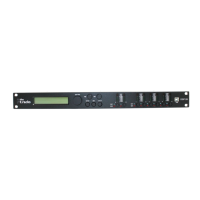
Press [1], [2], [3], [4], [5] and/or [6], to activate the edit mode for channel 1, 2, 3, 4, 5 and/or 6
and open the ‘OUTPUT 1/2/3/4/5/6’ menu. On the device, the [EDIT] display LED of the acti‐
vated output channel lights up blue. Press [ENTER]. An arrow is shown on the display. The indi‐
vidual output parameters can now be adjusted.
Select the required option with[NAV/PM1] and confirm with [ENTER]. The selected menu item is
marked with an asterisk (*).
Adjust the settings with [PM2] or [PM3] and confirm by pressing [ENTER] to apply the new set‐
tings.
Pressing [ESC] exits the menu without applying changes.
Operating
DSP 26
41


 To Next Page
 Loading...