6.4 Channel linkage
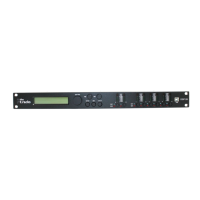
The device offers the option to freely link input and output channels, making it easier to edit
the channel parameters.
First edit an input or output channel as required, see
Ä
Chapter 6.1 ‘UTILITY menu’ on page 22,
Ä
Chapter 6.2 ‘INPUT A/B menu’ on page 35 and
Ä
Chapter 6.3 ‘OUTPUT 1/2/3/4/5/6 menu’
on page 41. Then press the [EDIT] button of all channels for which these settings are to be
applied (blue LED is lit).
Confirm the changes for all active channels with [ENTER].
6.5 Reset to factory defaults
Proceed as follows to restore the factory default settings:
1. Switch off the device.
2. Press and hold [ENTER], [ESC] and [UTILITY].
3. Switch on the device.
Operating
digital speaker management system
48


 To Next Page
 Loading...