5 SpeedTouch™ Web Interface
E-DOC-CTC-20030814-0001 v1.0
63
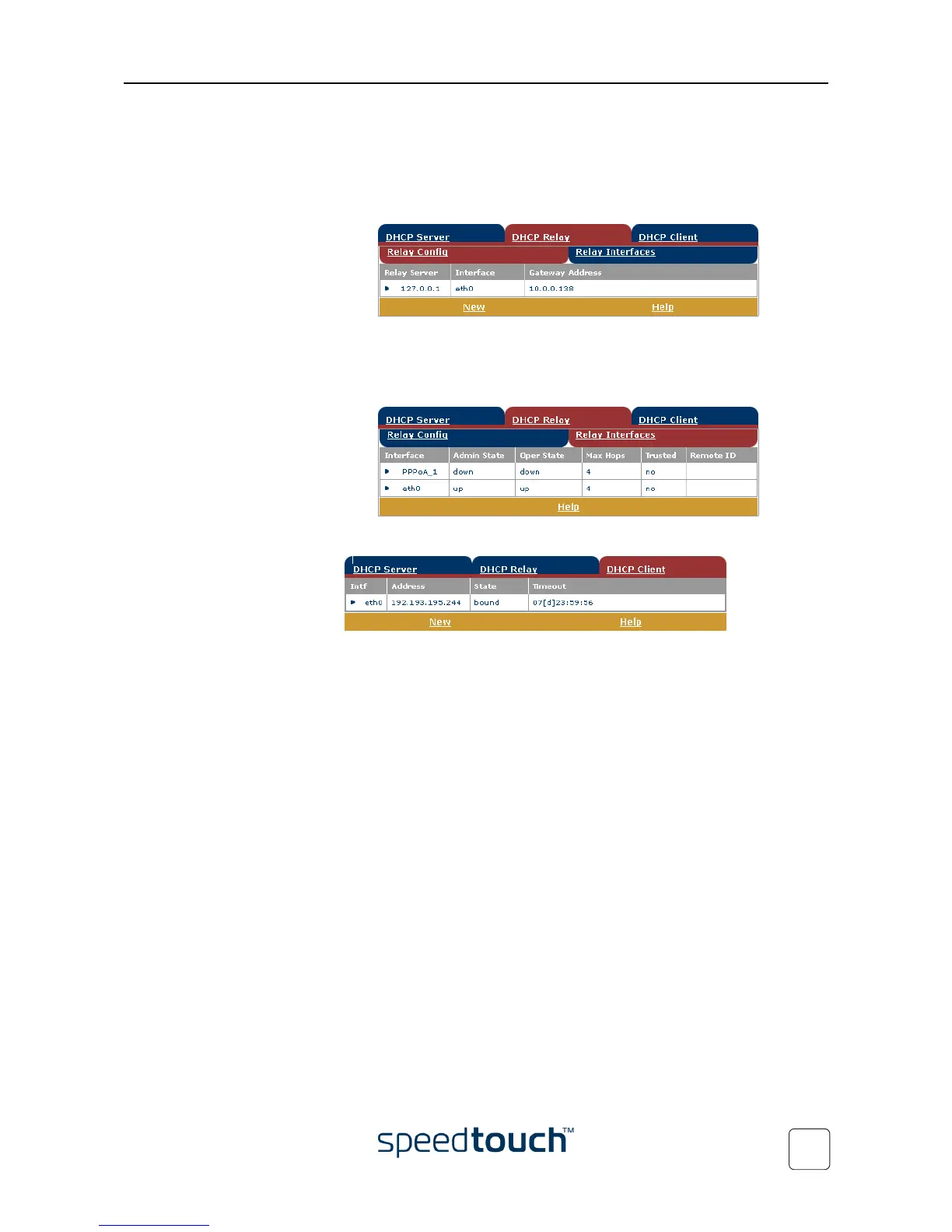
• Click the DHCP Relay tab to view the DHCP relay pages. The DHCP relay agent
allows you to use DHCP clients and DHCP servers available on different
networks.
• Click the Relay Config tab to view the current SpeedTouch™ DHCP relay
status:
Via this table you can also manually add static SpeedTouch™ DHCP relay
entries for specific interfaces, if applicable.
• Click the Relay Interfaces tab to view the SpeedTouch™ DHCP relay
interfaces:
• Click the DHCP Client tab to view the current SpeedTouch™ DHCP client status:
Via this table, you can also manually add static SpeedTouch™ DHCP client entries
for specific interfaces, if applicable.















 To Next Page