Chapter 6
Software Keys
E-DOC-CTC-20050429-0104 v1.0
182
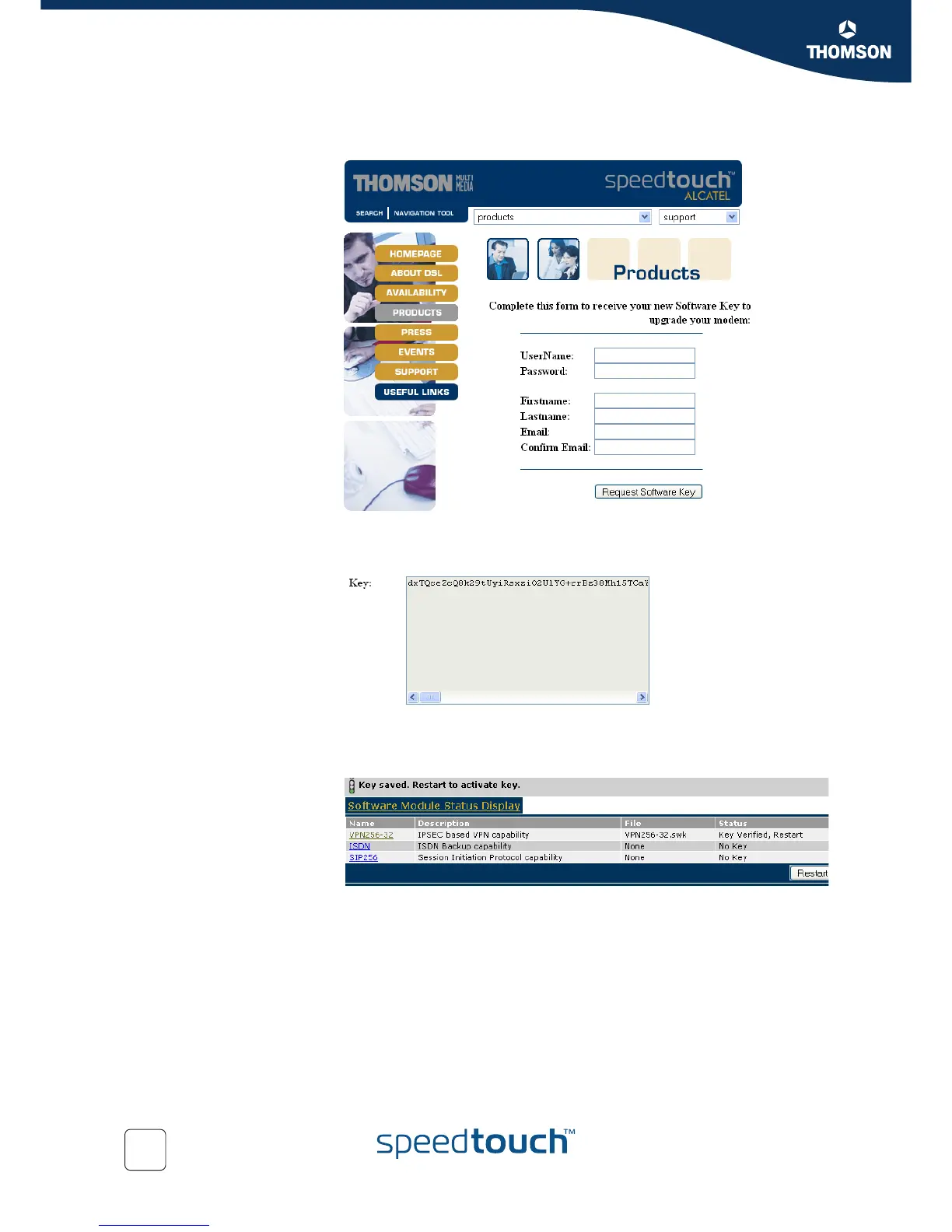
3 Select the desired software module to open the registration web site on the
Internet.
Complete the form to request a new software Key.
4 Select the Request Software Key button to proceed.
As a result you will get a text box with the key in it.
5 Copy the key and past it into the Software Activation Code Input Display and
click the Add button.
6 Click the Restart button, to restart the SpeedTouch™and activate the software
module. A progress bar will show, indicating the time needed.



 To Next Page