Chapter 3
Internet Connectivity Dial-In Clients
E-DOC-CTC-20050429-0104 v1.0
42
Terminating a
broadband Internet
session
Proceed as follows:
1 On the Start menu, point Connect To and click the name of the connection
you’ve created, for example YourISP.
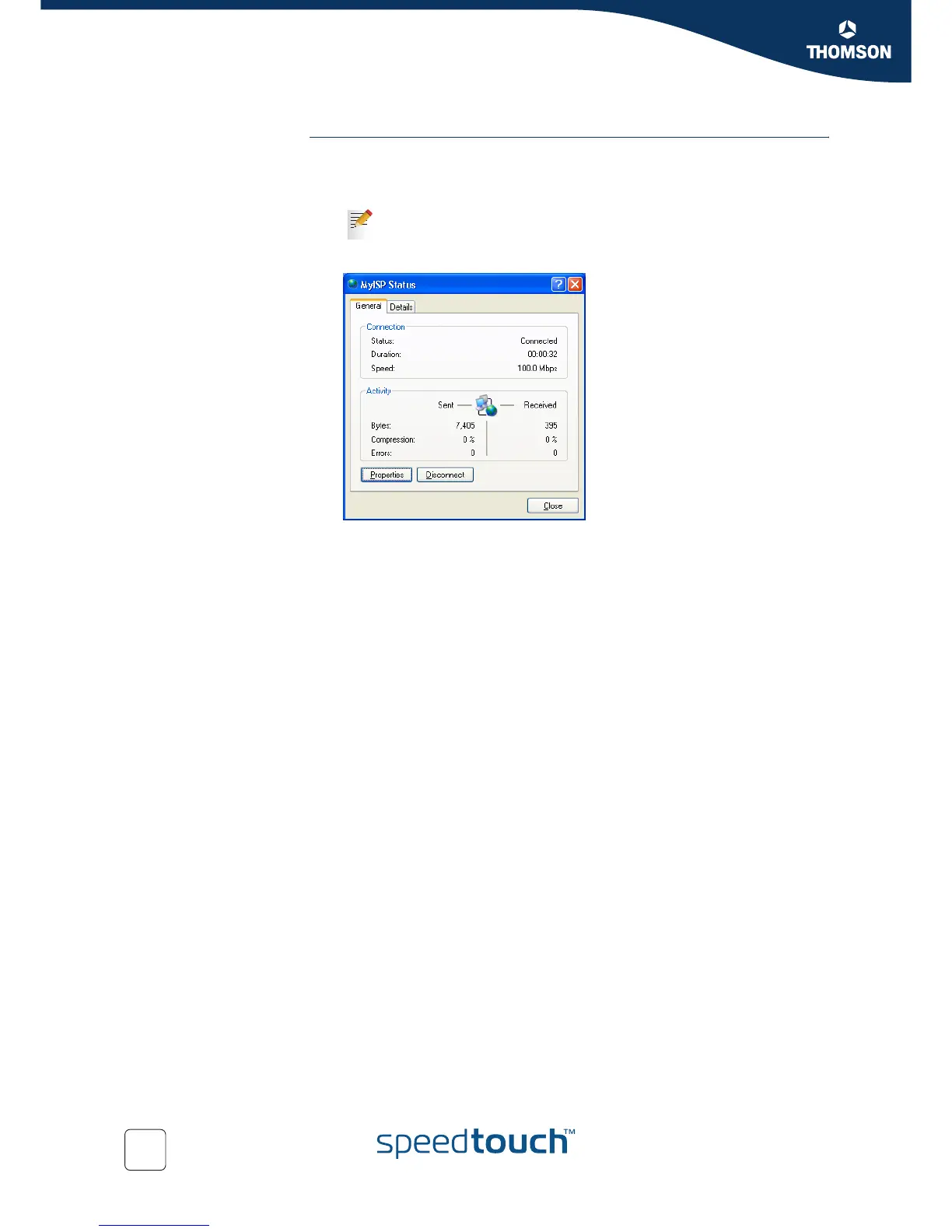
2 The YourISP Status window appears:
3 Click Disconnect.
4 The connection is released. As a result no Internet connectivity exists any
more.
If you are using the Classic Start menu go to Start > Settings >
Network (and Dial-up) connections > YourISP.



 To Next Page