Chapter 3
Routed Ethernet
E-DOC-CTC-20051017-0167 v1.0
18
The Service Provider provides static Public IP addresses to be configured for
the Routed Ethernet interface to uniquely identify the local end worldwide.
By enabling NAPT on the Routed Ethernet interface, the single public IP address can
be shared by nodes on the Local Network.
Using Routed Ethernet Using Routed Ethernet is rather straightforward:
1 Make sure that the SpeedTouch™ is turned on first.
2 Turn on the computer(s).
3 Make sure that the Ethernet interface of the host computer is properly
configured.
4 Start a web browser.
You are now on the Internet or you have Corporate Intranet access.
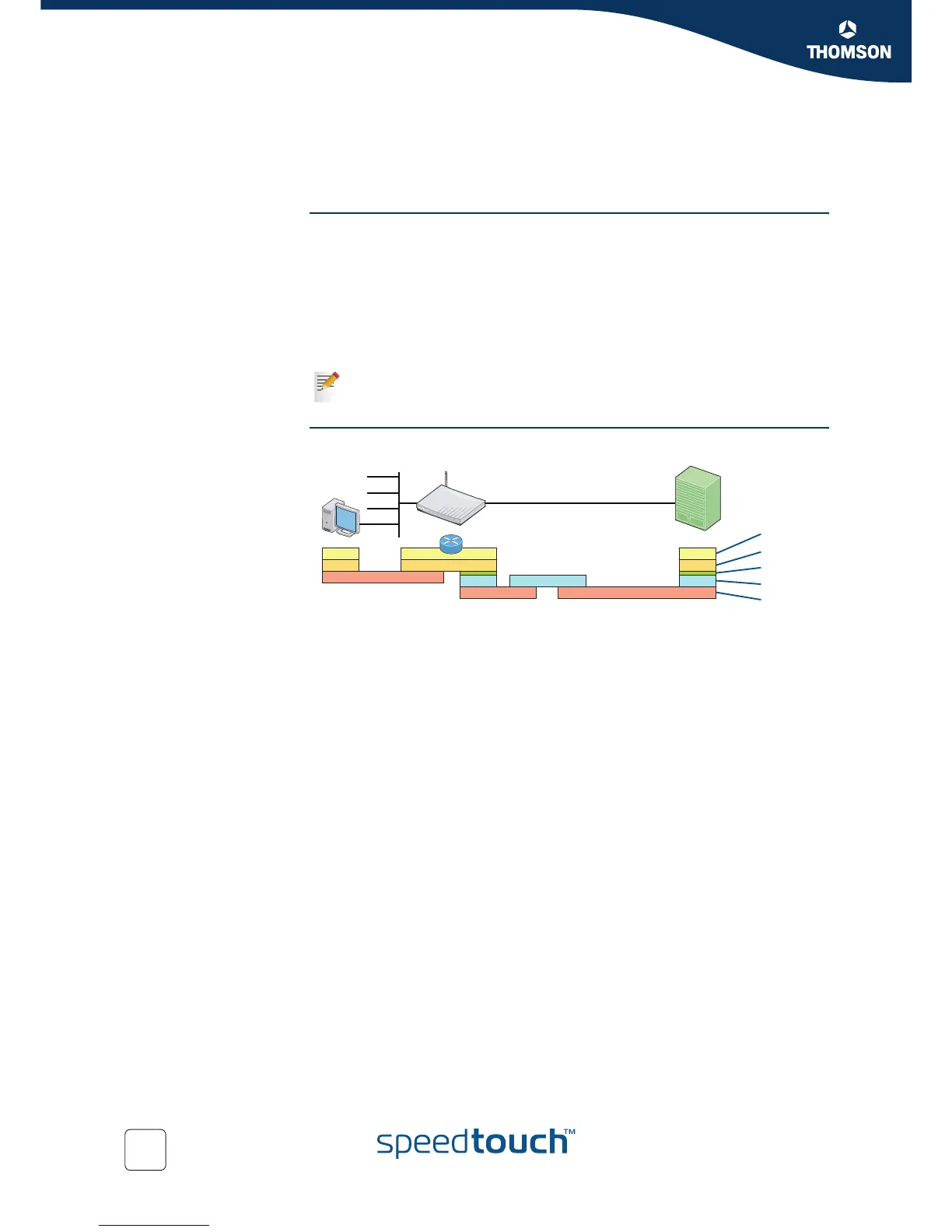
Protocol stack The figure below shows the Routed Ethernet protocol stack.
Although the access method of the bridge is Always–On, the remote
organization might still ask for a user name and password.
ip
mac
eth
adsl
CPE DSLAMPC
Service
Gateway
RFC1483b
AAL5/ATM
PHY
IP
mac















 To Next Page