Chapter 10
Routed PPPoI
E-DOC-CTC-20051017-0167 v1.0
84
10.2 ISDN Backup
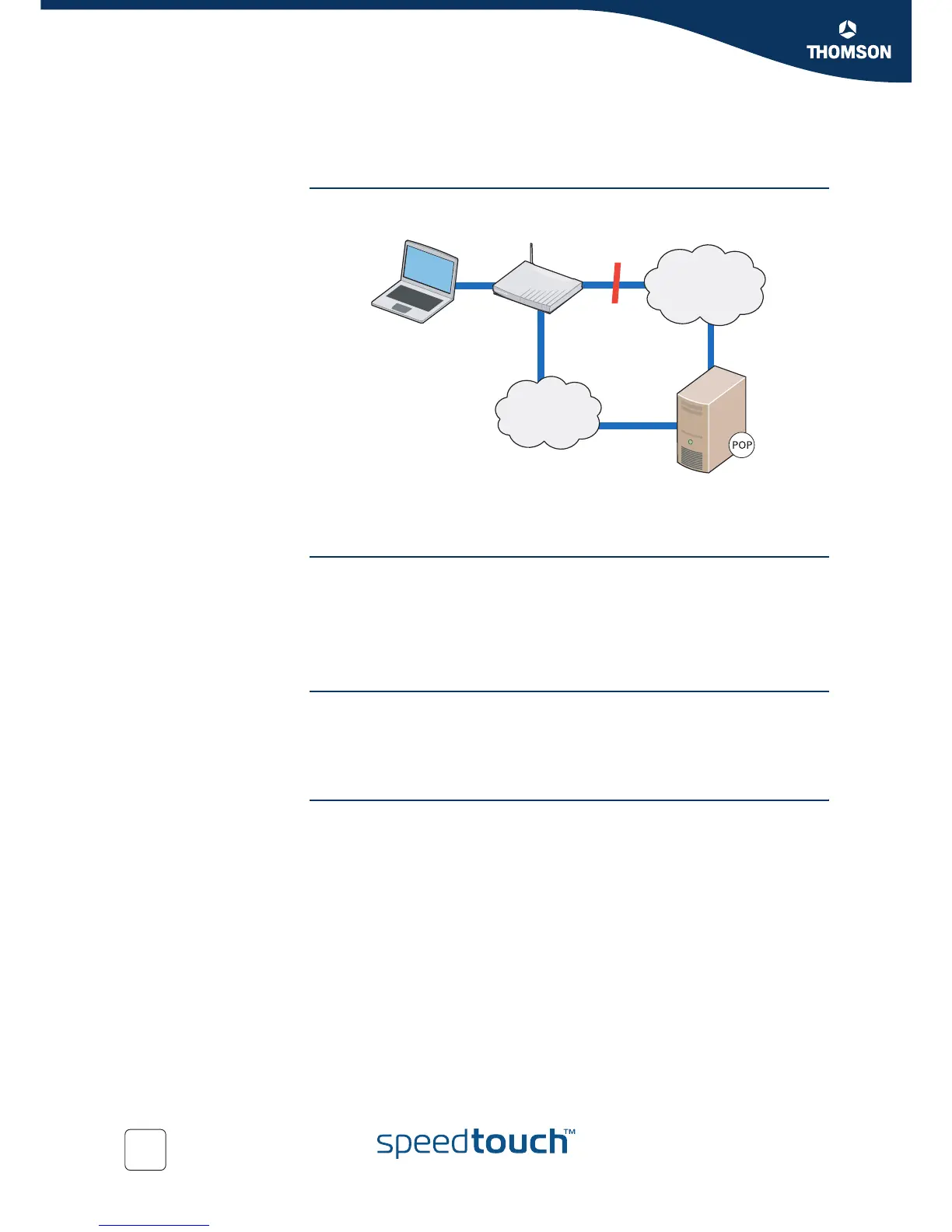
ISDN Backup The SpeedTouch™ has an ISDN interface that can be used to create an ISDN backup
for the ADSL line. The process is shown in the diagram below:
When the ADSL line fails, the SpeedTouch™ establishes a dial-in connection
towards the ISDN network. A PPP connection is then established over this ISDN
connection which takes over the traffic from the failed ADSL line.
ISDN Callback If the SpeedTouch™ establishes the ISDN connection from the user end, the user
will be charged with the connection cost. To avoid this, it is possible to use the call
back option (if the other end supports it).
The SpeedTouch™ establishes a dial in connection and provides all necessary
information, and disconnects. The system then waits for a call back to establish the
ISDN connection over which the PPP connection is established.
Dial-In Modes The dial in connection line can operate in one of two modes:
Always on: the backup connection is always on
Dial on demand: the backup connection is established when necessary, i.e.
when the ADSL line fails.
Configuring Callback In order to configure call back, you need to do the following:
1 Configure the ISDN Dial-In Connection
2 Configure the PPP connection
INTERNET
ISDN
ADSL
ISDN















 To Next Page