Chapter 9
Routed IPoA
E-DOC-CTC-20051017-0167 v1.0
76
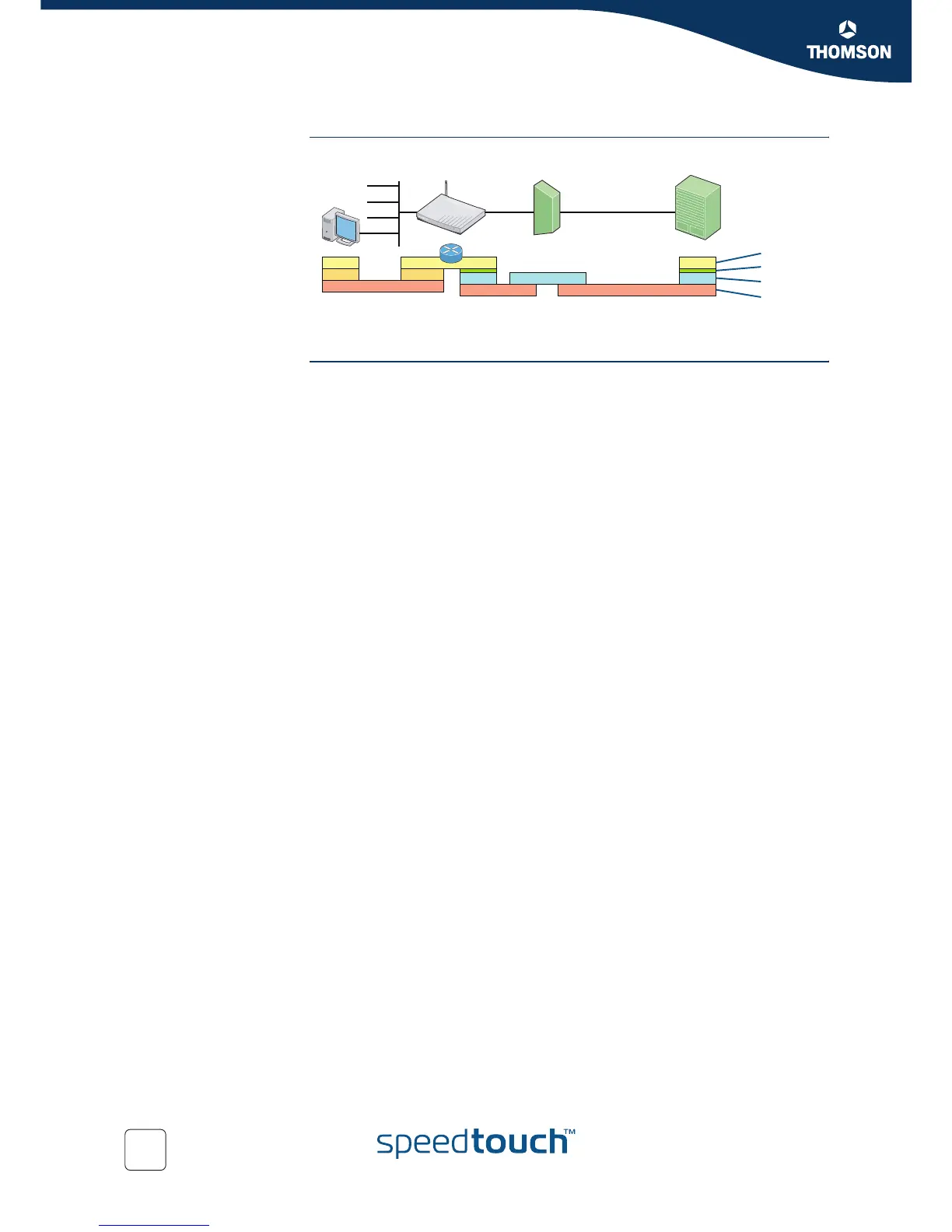
Protocol stack The figure below shows the routed IPoA protocol stack.
Using Routed IPoA Using Routed IPoA is rather straightforward:
1 Make sure that the SpeedTouch™ is switched on.
2 Turn on the computer(s).
3 Start a Web browser.
You are on the Internet or have Corporate Intranet access.
ip
mac
eth
CPE DSLAMPC
Service
Gateway
IP
RFC1483b
adsl
AAL5/ATM
PHY















 To Next Page