Charging your UltraSync BLUE
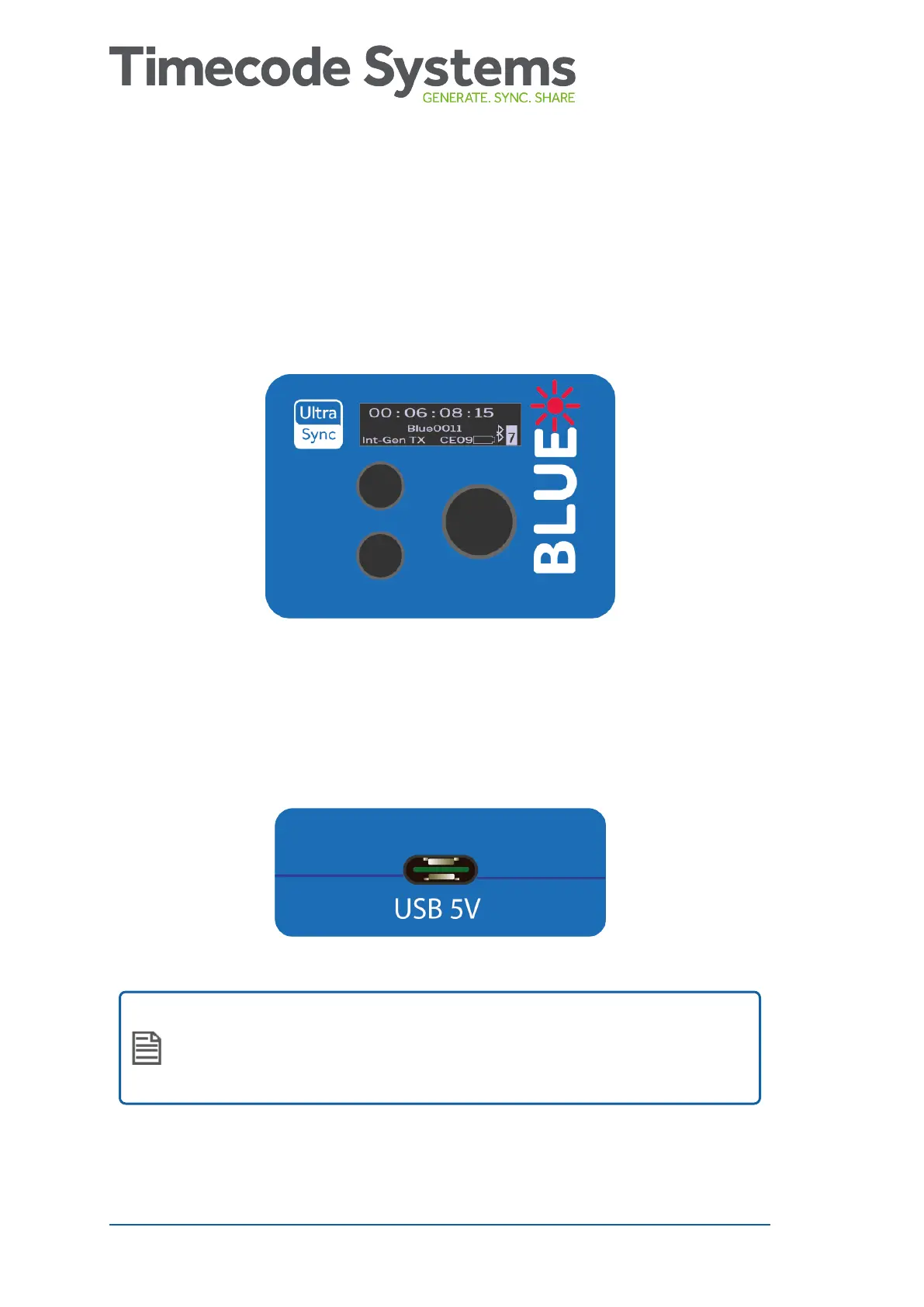
If your UltraSync BLUE's battery is running out of power, the LED
flashes red and the screen shows 'Battery Power Critical'. The battery
level is also shown on the main screen.
To recharge the battery, use the USB-C to USB cable that is supplied
with your UltraSync BLUE and a compatible charger socket (not
supplied).
Note: Battery life may be reduced if your UltraSync BLUE is
used in extreme temperatures. Very hot and very cold
conditions can affect battery performance.
12 UltraSync BLUE User Guide



 To Next Page