LED Brightness
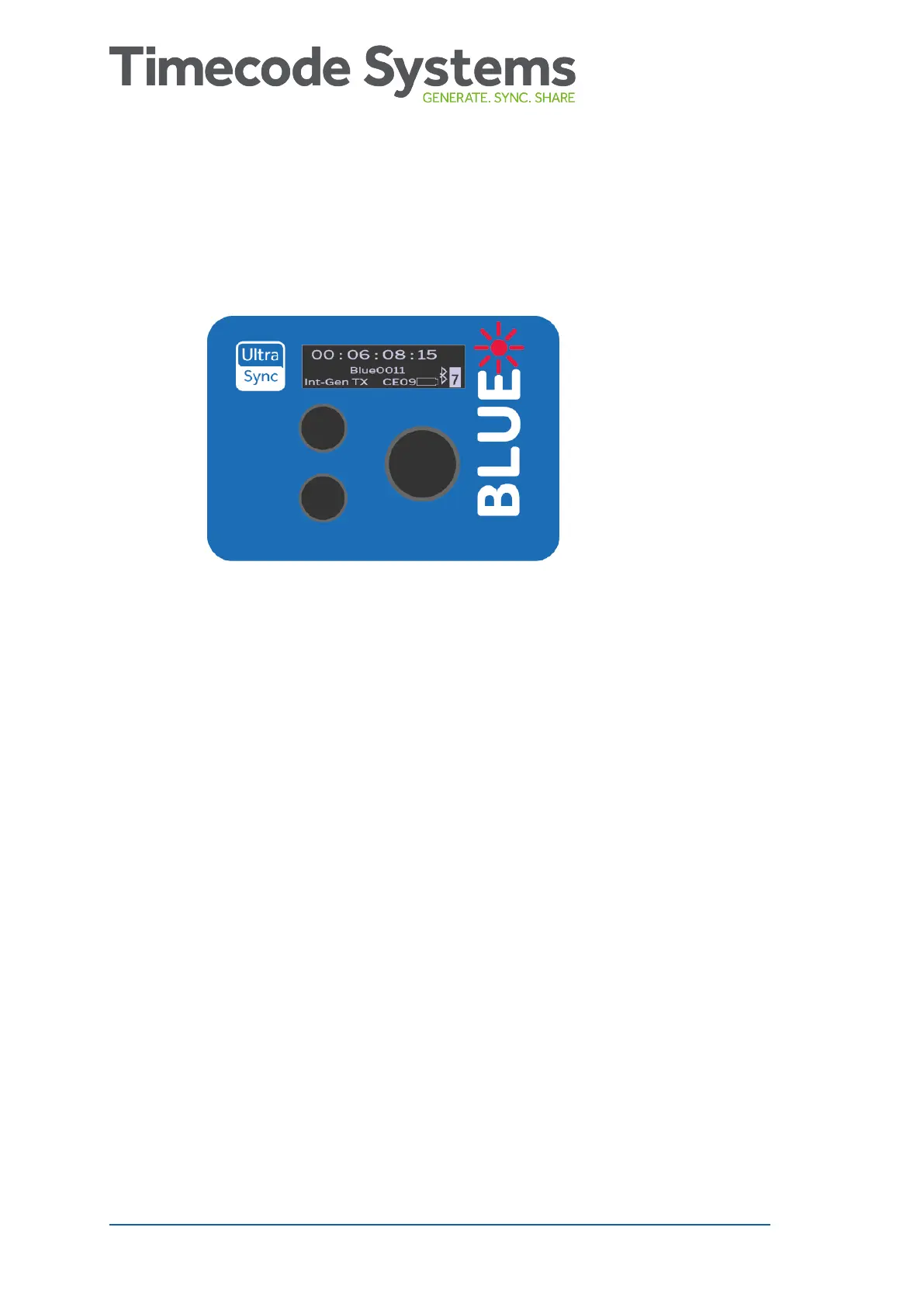
You can control how bright the UltraSync BLUE's LED shines.
1. Make sure your UltraSync BLUE is switched on (see Switch
UltraSync BLUE On and Off on page 8).
2. Press the Select button to display the main menu.
3. Choose the Display option and press Select.
4. Choose the LED Level option and press Select.
5. Set the brightness level (01-05, where 01 is dimmest, 05 is
brightest) and press Select.
40 UltraSync BLUE User Guide



 To Next Page