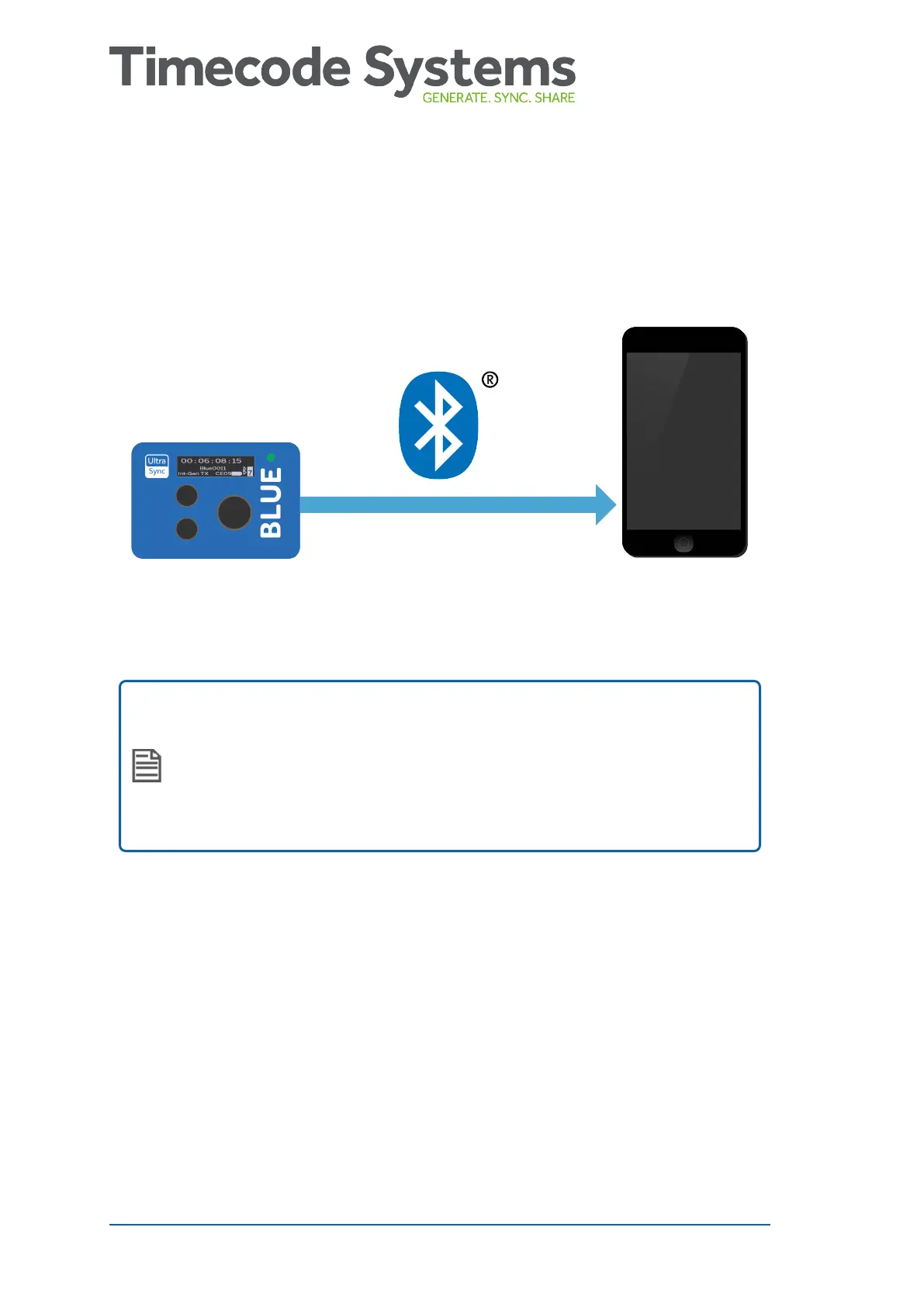
Pair with Recording Devices
To get your UltraSync BLUE to send timecode to your recording
device(s), you need to pair them via Bluetooth
®
.
UltraSync BLUE can pair with up to four recording devices at the
same time.
Note: If you use a Timecode Systems :pulse as a master, you
can use BLINK Hub to control and monitor your UltraSync
BLUEs and their recording devices remotely. For remote
control you will need to have one UltraSync BLUE for each
recording device.
To pair your UltraSync BLUE with a recording device, such as an
iPhone:
1. Activate Bluetooth on your recording device to enter pairing
mode.
2. Make sure your UltraSync BLUE is switched on (see Switch
UltraSync BLUE On and Off on page 8).
3. Press the Select button to display the main menu.
18 UltraSync BLUE User Guide



 To Next Page