Choose a Mode
UltraSync BLUE can run in one of three modes:
Mode Description
Int Master RF TX The UltraSync BLUE is the master in the network. It
uses its own timecode settings and sends them to
slave devices. The slave devices sync with the
UltraSync BLUE master.
RF Slave The UltraSync BLUE is a slave in the network. It
receives timecode and frame rate from the master
device and synchronises to those.
Free Run The UltraSync BLUE does not connect to other
Timecode Systems devices. It uses its own timecode
and frame rate settings.
To learn more about the modes, see Example Setups on page 29.
To set the mode:
1. Make sure your UltraSync BLUE is switched on (see Switch
UltraSync BLUE On and Off on page 8).
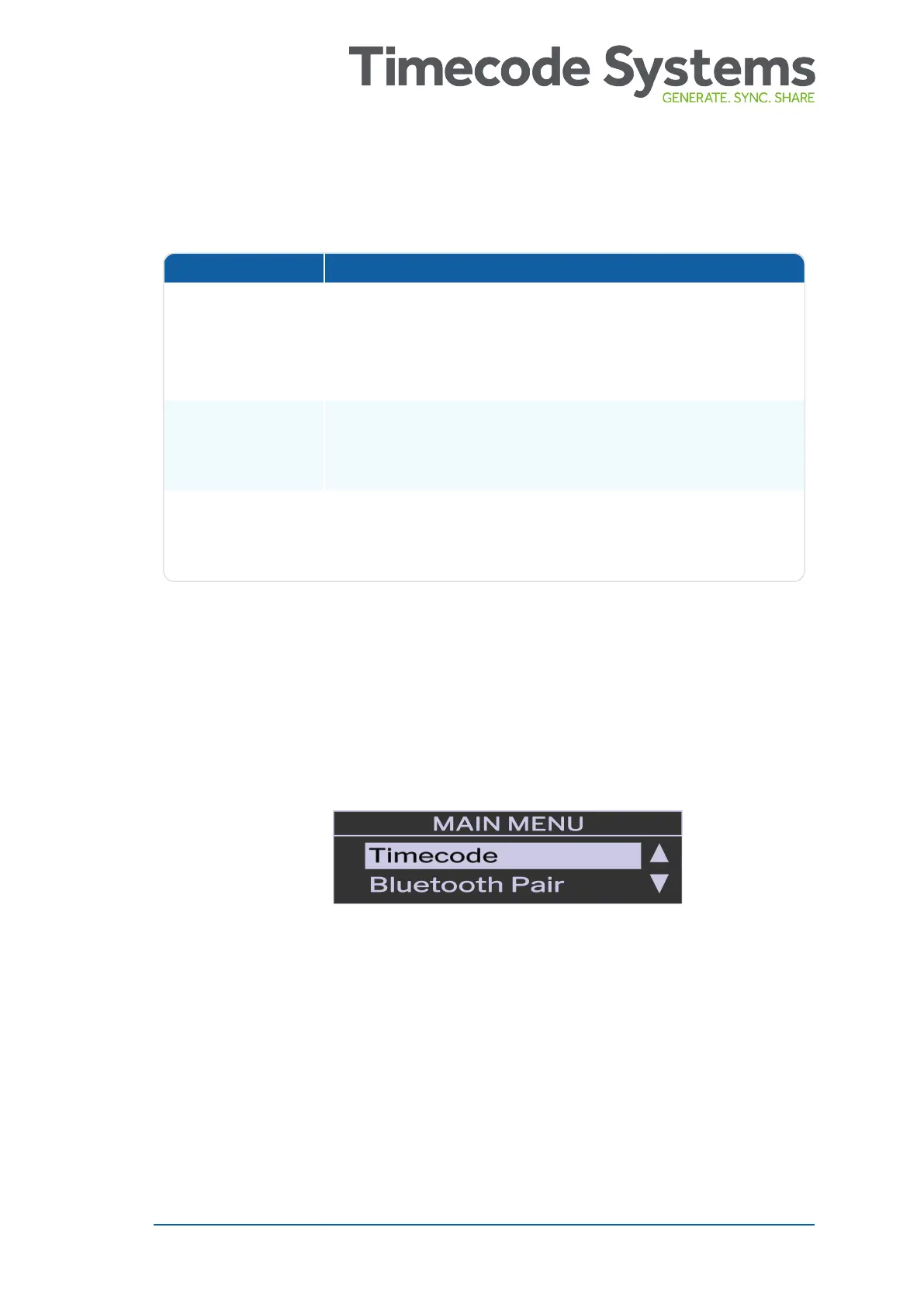
2. Press the Select button to display the main menu.
3. Scroll down to the Device Mode option and press Select.
UltraSync BLUE User Guide 23



 To Next Page