Screen Light Timeout
To preserve battery life, your UltraSync BLUE automatically dims the
brightness of its screen after a certain amount of time. You can set
this amount of time in the Display menu.
1. Make sure your UltraSync BLUE is switched on (see Switch
UltraSync BLUE On and Off on page 8).
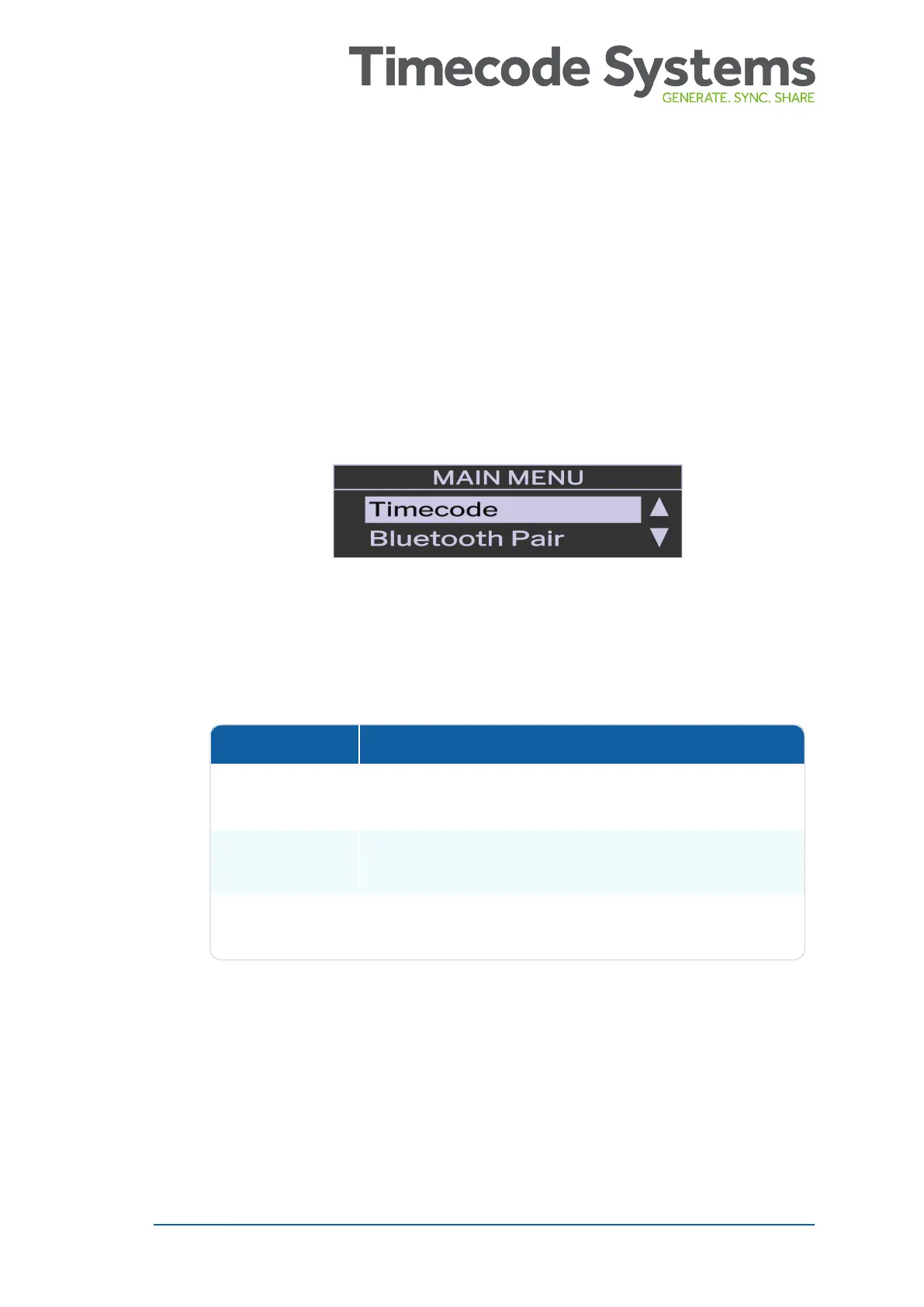
2. Press the Select button to display the main menu.
3. Choose the Display option and press Select.
4. Choose the Timeout option and press Select.
5. Choose a timeout option and press Select.
Option Description
Short The UltraSync BLUE dims the screen after 10
seconds.
Long The UltraSync BLUE dims the screen after 20
seconds.
Never The UltraSync BLUE does not dim the screen
automatically.
UltraSync BLUE User Guide 39



 To Next Page