Sync with other Timecode Devices
To get your UltraSync BLUE to synchronise with other UltraSync
BLUEs (or other Timecode Systems timecode sync products):
l Set the RF Channel and RF Region (see page 21)
l Choose a Mode (see page 23).
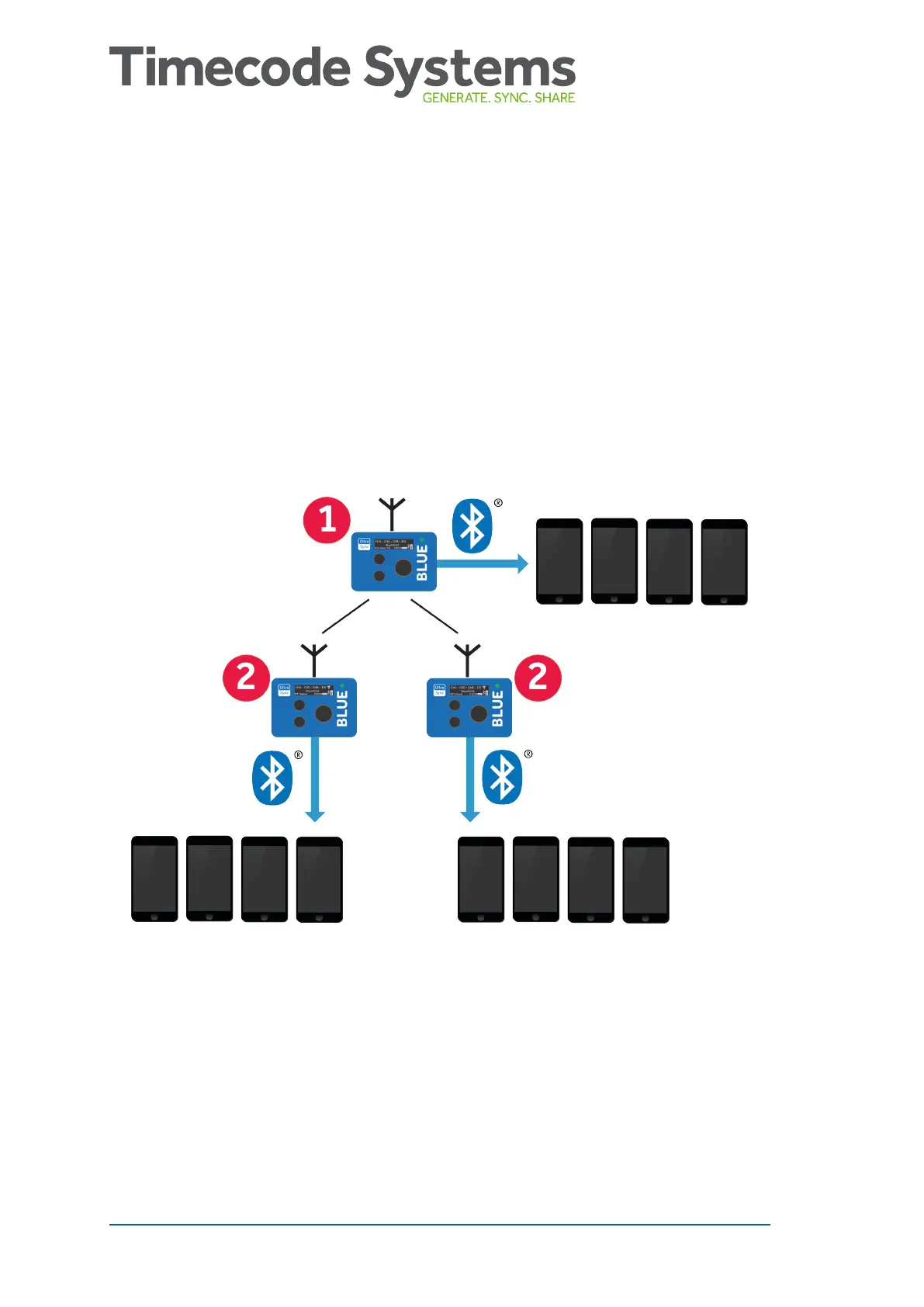
When the mode and RF settings are in place, the UltraSync BLUE can
connect and sync with other UltraSync BLUEs via radio (RF). This
timecode is then passed on to the recording devices via Bluetooth.
UltraSync BLUE (1) is set to run in Int Master RF TX mode and is the
master in the RF network. The other UltraSync BLUEs (2) are set to
run in RF Slave mode. The slaves sync with the master.
20 UltraSync BLUE User Guide



 To Next Page