Key Lock
You can lock the UltraSync BLUE's menus so that most of the options
are unavailable until the menu is first unlocked. Locking the menus
can be useful when you have set up your UltraSync BLUE and want to
lock it so that other people cannot change the settings without first
unlocking it.
Note: Key lock is on by default.
To use key lock:
1. Make sure your UltraSync BLUE is switched on (see Switch
UltraSync BLUE On and Off on page 8).
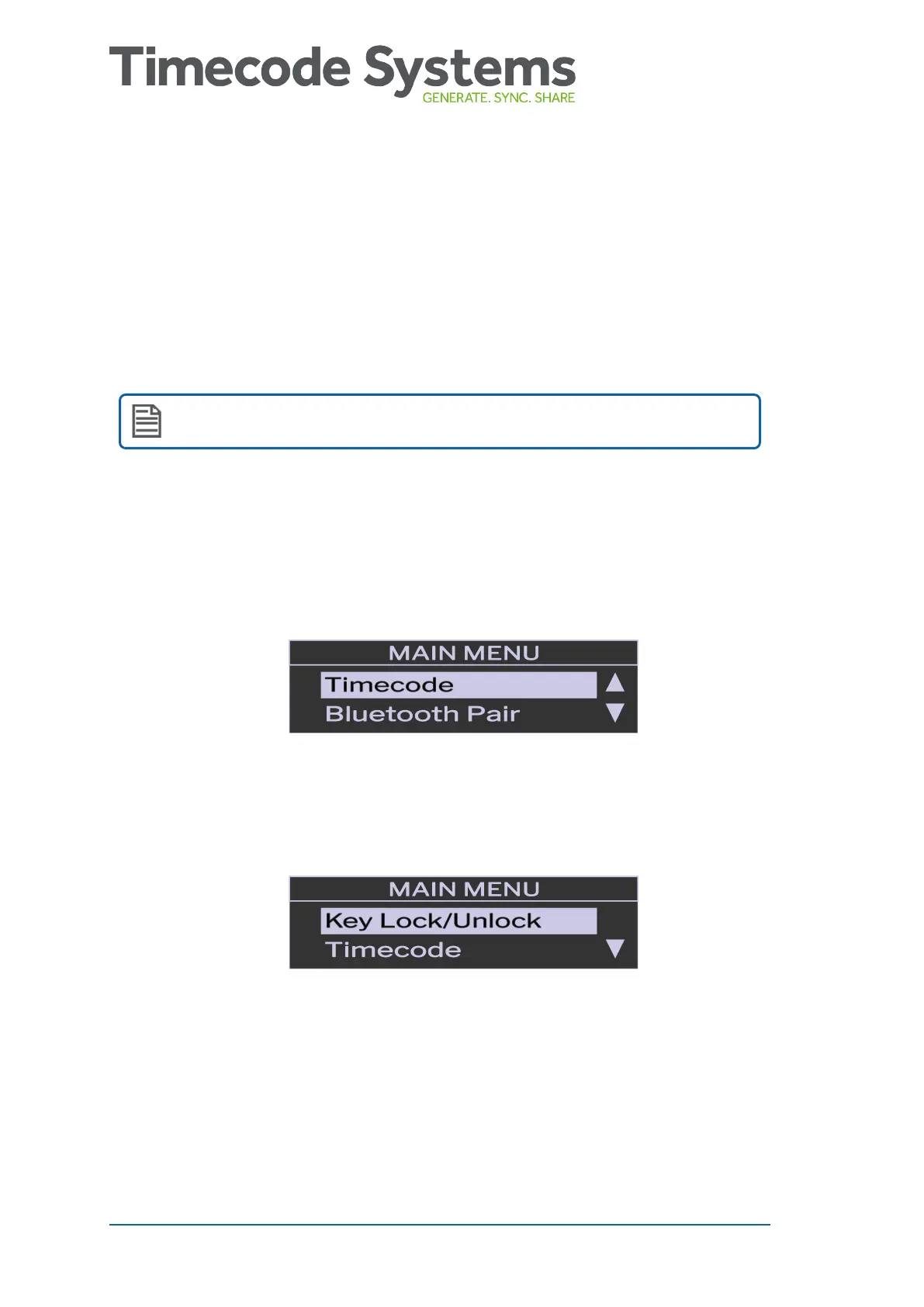
2. Press the Select button to display the main menu.
3. Press the Up button to scroll to the Key Lock/Unlock menu (it is
above Timecode in the Main Menu).
4. Press the Select button.
36 UltraSync BLUE User Guide



 To Next Page