Set the RF Channel and RF Region
Your UltraSync BLUE uses radio (RF) to synchronise with other
Timecode Systems devices. It can only connect with devices that use
the same RF channel and RF region.
Note: The RF region setting may be disabled due to FCC
regulations. If you cannot access the RF region setting and
need to use your UltraSync BLUE in a different country,
please contact Timecode Systems for advice.
To set the RF channel (radio frequency) and RF region:
1. Make sure your UltraSync BLUE is switched on (see Switch
UltraSync BLUE On and Off on page 8).
2. Press the Select button to display the main menu.
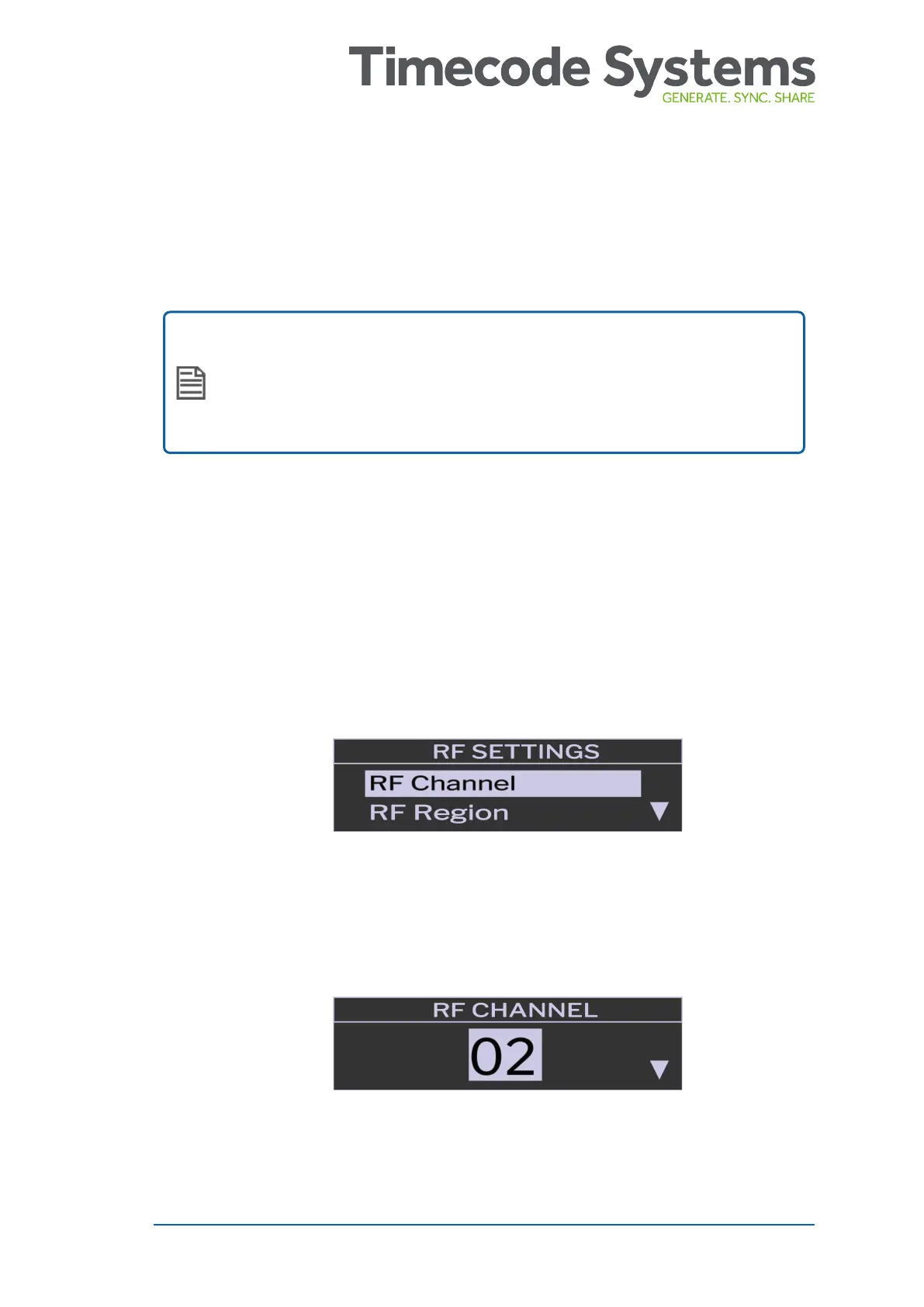
3. Scroll down to the RF Settings option and press Select.
4. On the RF Control screen, choose RF Channel and press Select.
5. Change the channel to the appropriate number and press
Select. There are 14 channels available.
UltraSync BLUE User Guide 21



 To Next Page