6. Choose the Confirm option and press Select (or choose Back to
return to the previous screen).
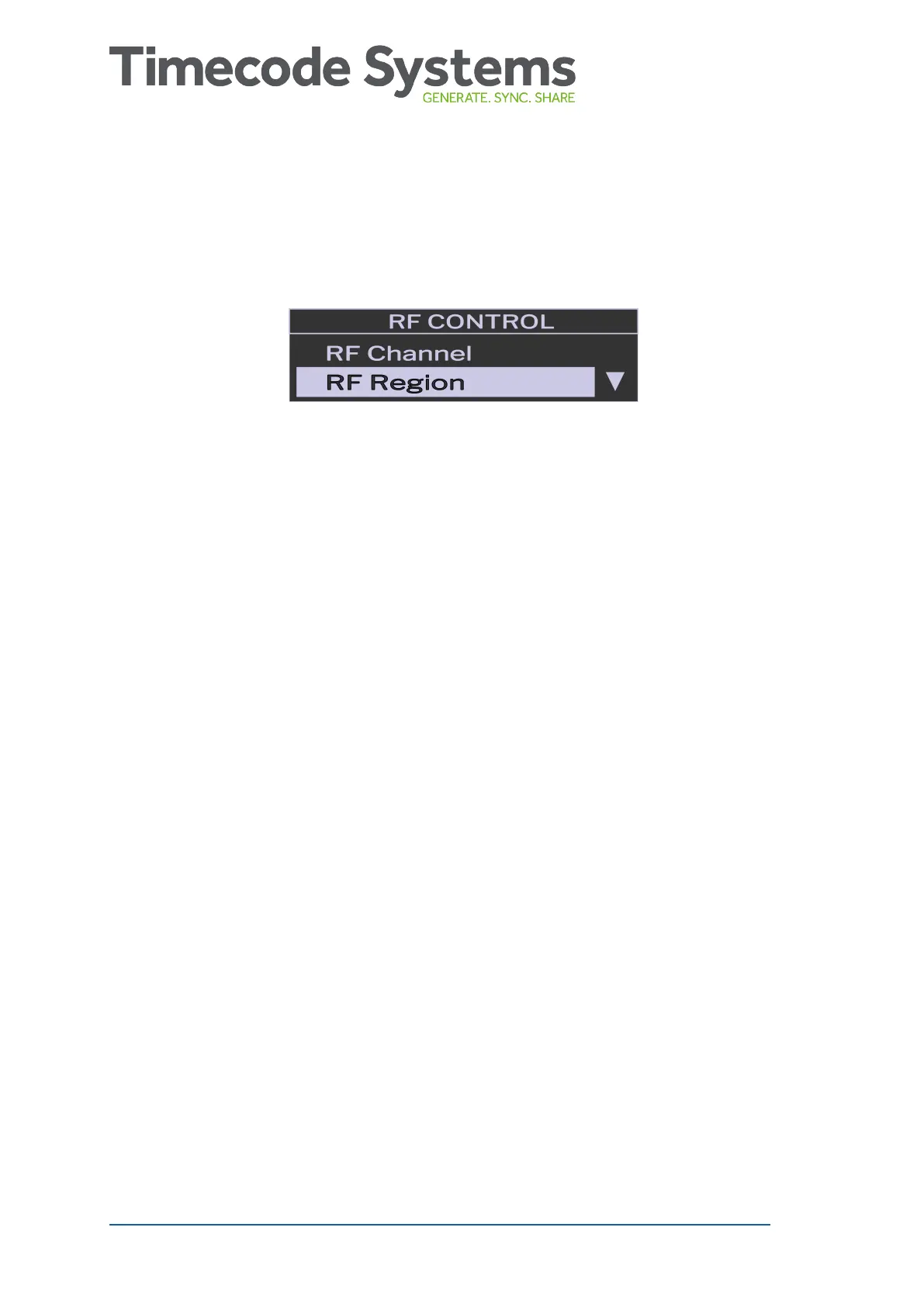
7. On the RF Control screen, choose RF Region and press Select.
8.1. Use the Up and Down buttons to choose the appropriate area:
l Europe/UK
l Japan/China
l US/CA/AU/NZ (for USA, Canada, Australia, or New
Zealand).
9. Press the Select button.
10. Choose the Confirm option and press Select (or choose Back to
return to the previous screen).
22 UltraSync BLUE User Guide



 To Next Page