Version Number and Serial Number
If you contact Timecode Systems technical support, you may be
asked to provide the serial number of your UltraSync BLUE. You may
also be asked what version of the firmware your UltraSync BLUE is
running. To find this information:
1. Make sure your UltraSync BLUE is switched on (see Switch
UltraSync BLUE On and Off on page 8).
2. Display the Main Status screen.
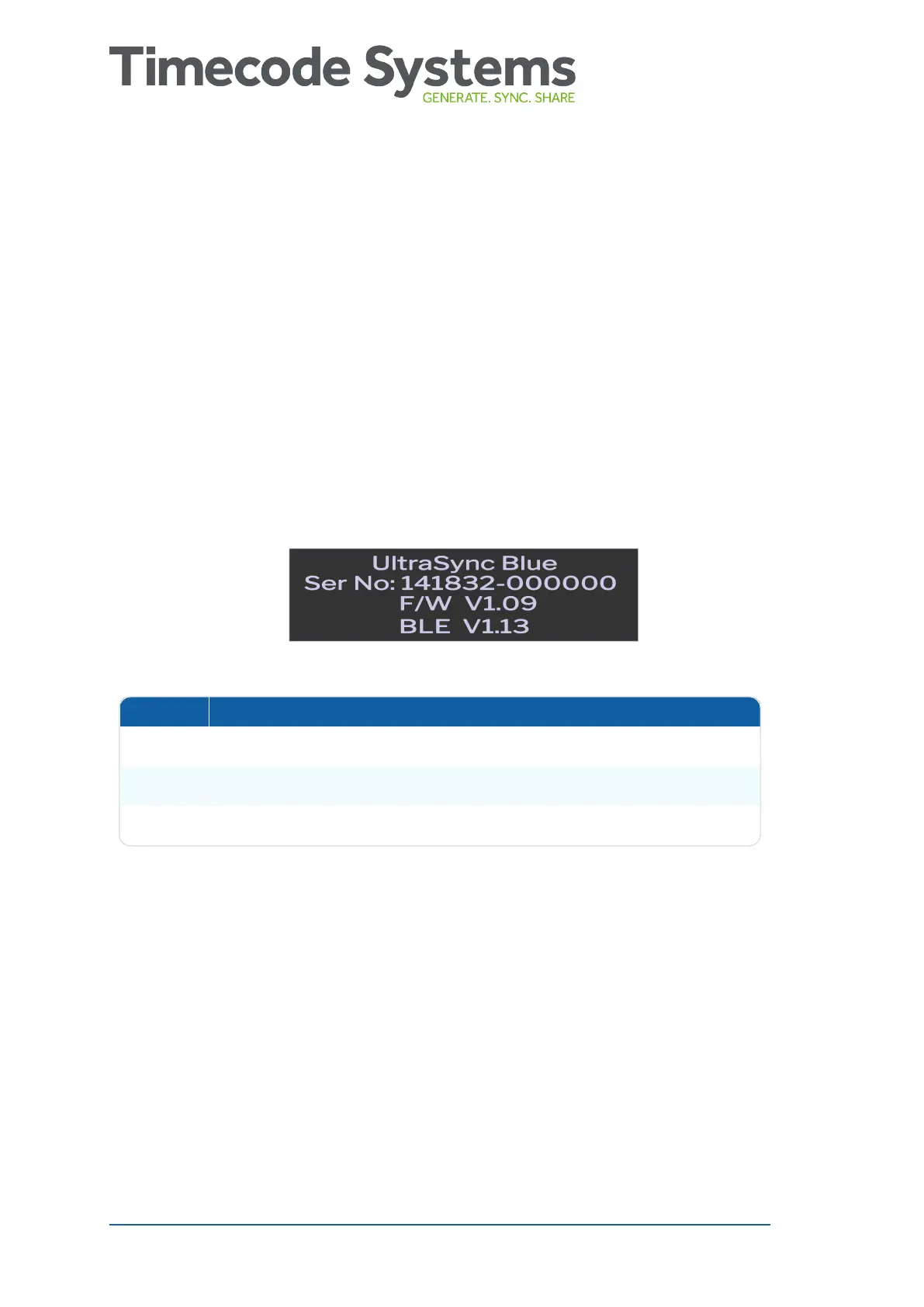
3. Use the Up and Down buttons to scroll to the screen that shows
UltraSync BLUE at the top.
Status Description
Ser.No The serial number of your UltraSync BLUE.
F/W The version of the firmware installed on your UltraSync BLUE.
BLE The version of Bluetooth supported by your UltraSync BLUE.
44 UltraSync BLUE User Guide



 To Next Page