Bluetooth
®
Status
You can view the status of the Bluetooth pairing:
1. Make sure your UltraSync BLUE is switched on (see Switch
UltraSync BLUE On and Off on page 8).
2. Display the Main Status screen.
3. Use the Up and Down buttons to scroll to the screen that shows
Bluetooth at the top.
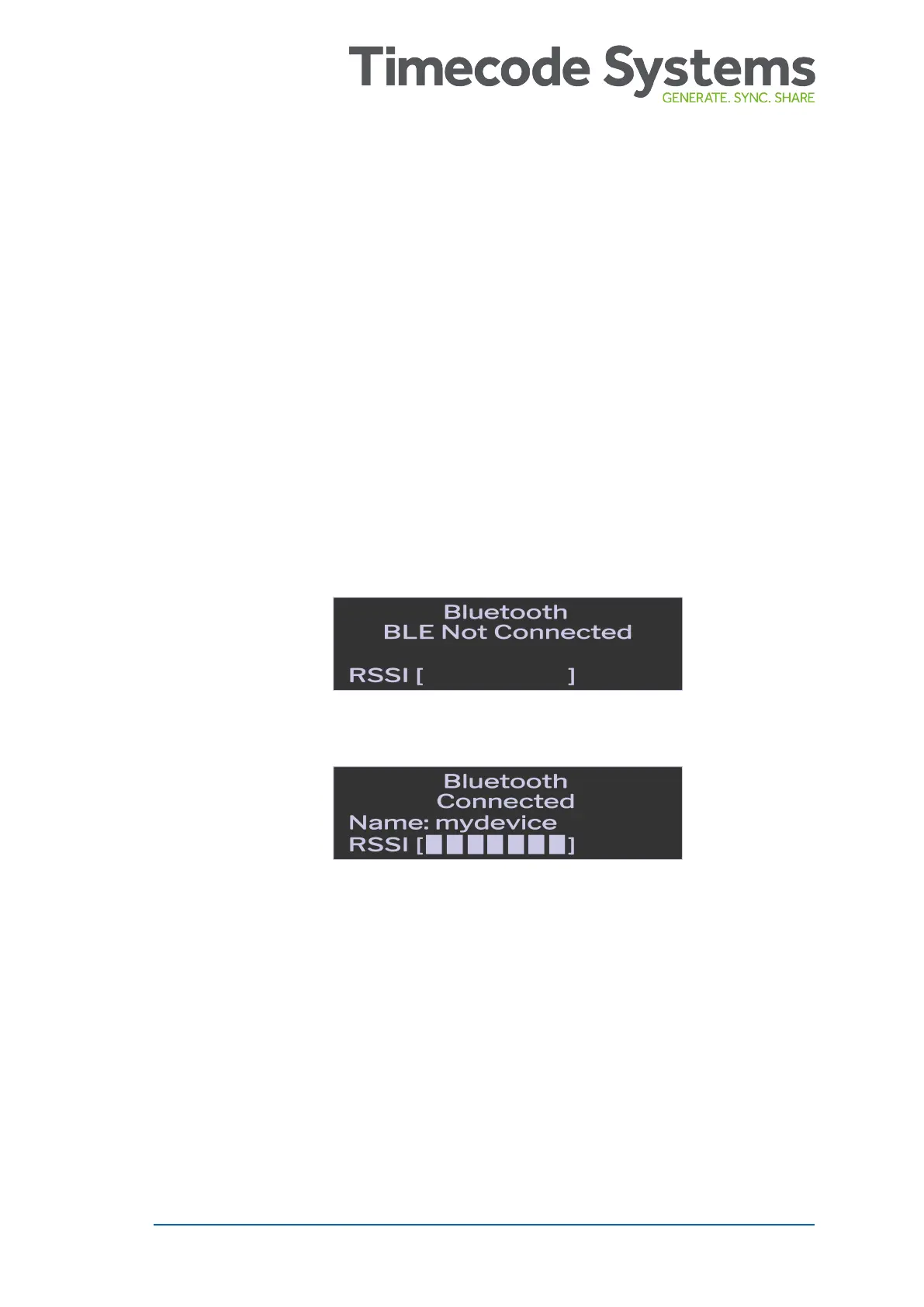
The Bluetooth status shows whether the UltraSync BLUE is
connected to a device via Bluetooth. If it is connected, the name
of the paired device is shown and the RSSI entry shows the
signal strength.
UltraSync BLUE User Guide 45



 To Next Page