Set the Timecode
If you're using your UltraSync BLUE in Int Master RF TX mode or Free
Run mode, you need to enter its timecode settings. The UltraSync
BLUE will use the timecode settings that you provide, and will send
the timecode to your recording device via Bluetooth
®
.
If your UltraSync BLUE is a master, it will also send the timecode to
other Timecode Systems devices via radio, so that they can all
synchronise.
Note: Using an UltraSync BLUE in RF Slave mode? You don't
need to enter the timecode settings as your slave UltraSync
BLUE will synchronise with the master device as soon as the
master is in range.
To enter the timecode settings:
1. Make sure your UltraSync BLUE is switched on (see Switch
UltraSync BLUE On and Off on page 8).
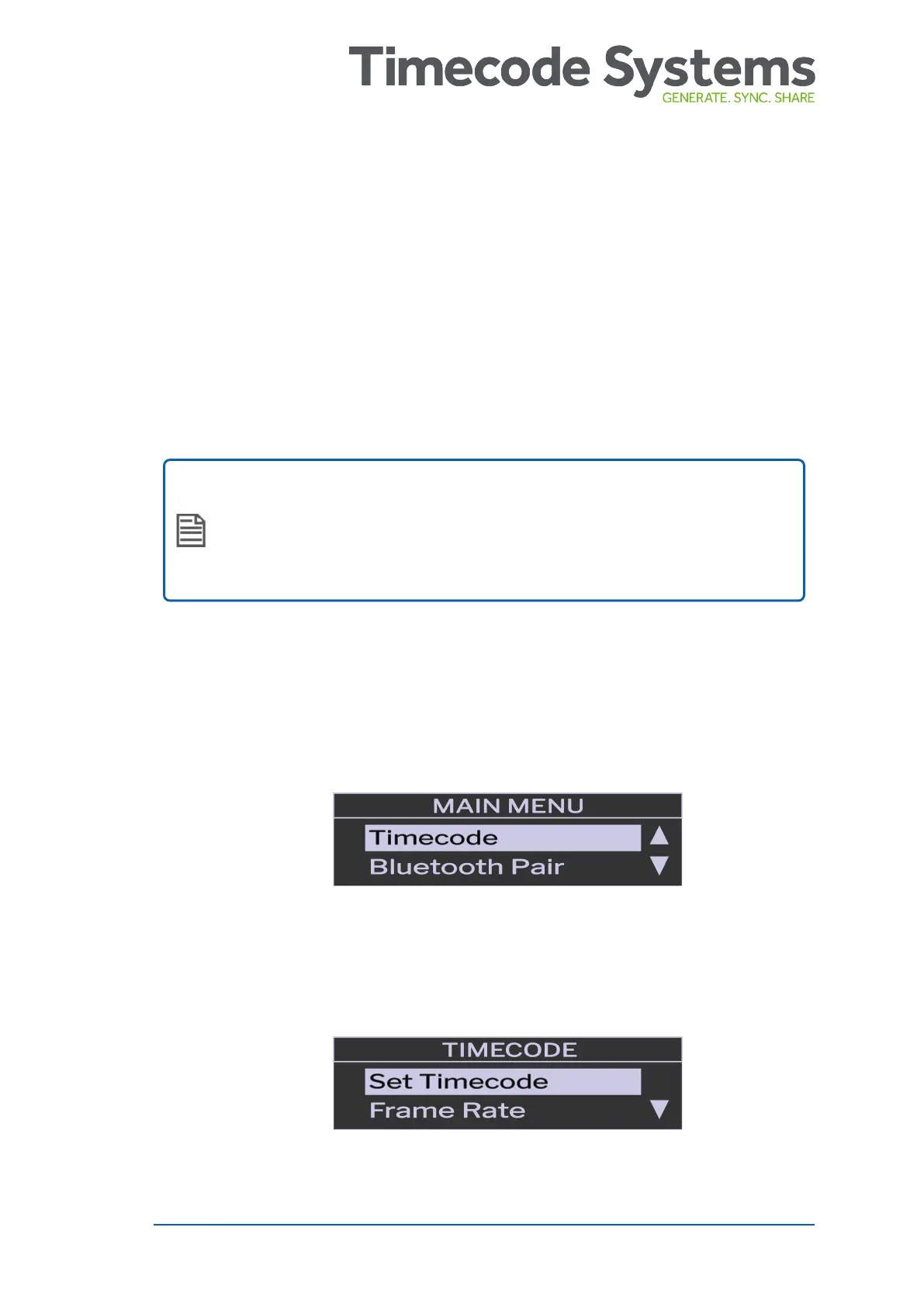
2. Press the Select button to display the main menu.
3. Choose the Timecode option and press Select.
4. Choose the Set Timecode option and press Select.
UltraSync BLUE User Guide 25



 To Next Page