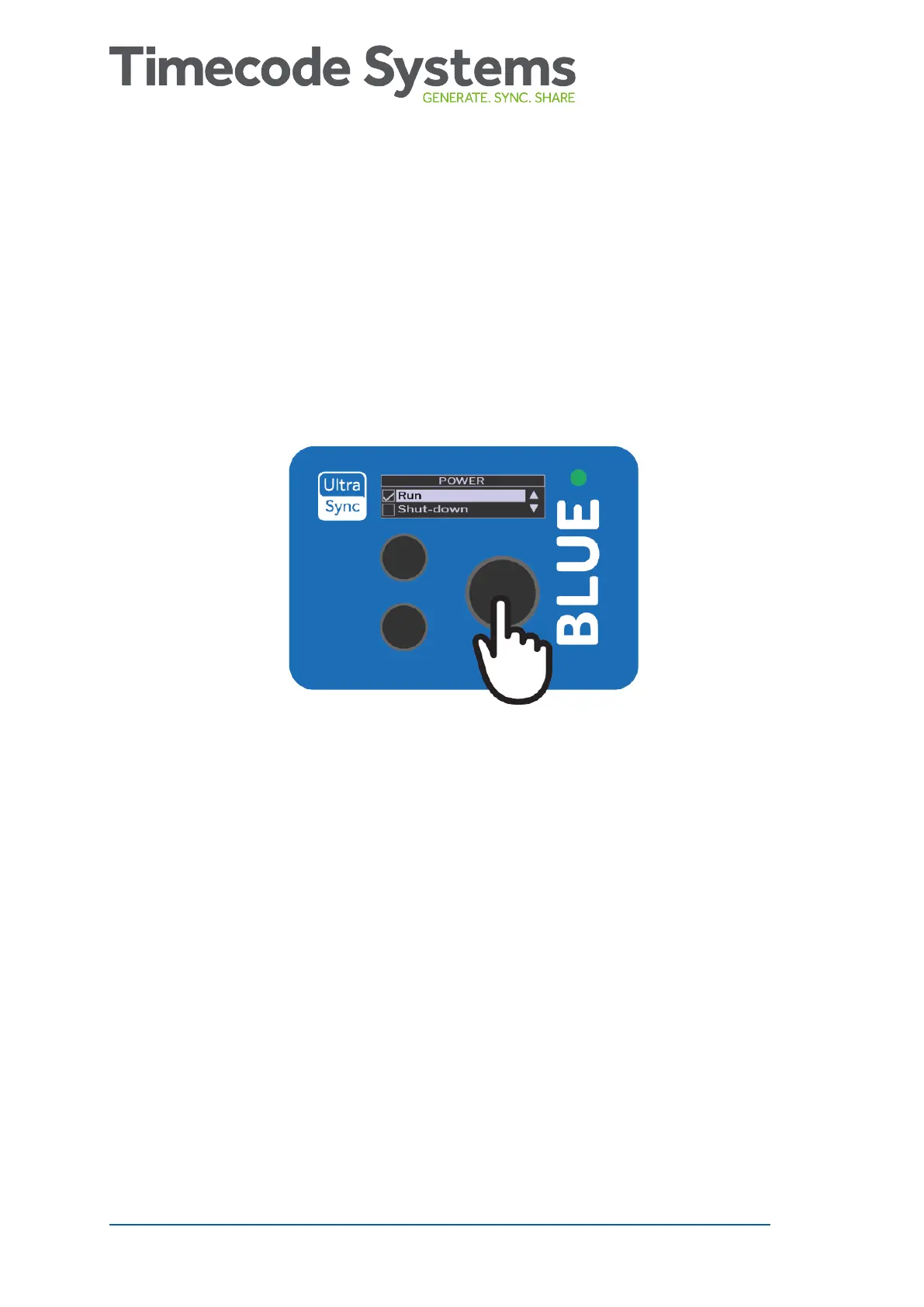
Switch UltraSync BLUE On and Off
UltraSync BLUE uses a two-step approach for turning on and off. This
helps to prevent you from accidentally turning the UltraSync BLUE on
or off during recording - you have to choose to power it on or off and
then confirm your choice.
1. Press the Select button.
The UltraSync BLUE screen lights up. If it does not light up, the
UltraSync BLUE has no power and needs to be charged (see
Charging your UltraSync BLUE on page 12).
If your UltraSync BLUE is on and the battery charge is running
low, the LED light turns red.
If the UltraSync BLUE is currently on, the Main Menu appears
(you can ignore the remaining steps).
If the UltraSync BLUE is currently off, the Power menu appears
(continue from step 2).
8 UltraSync BLUE User Guide



 To Next Page