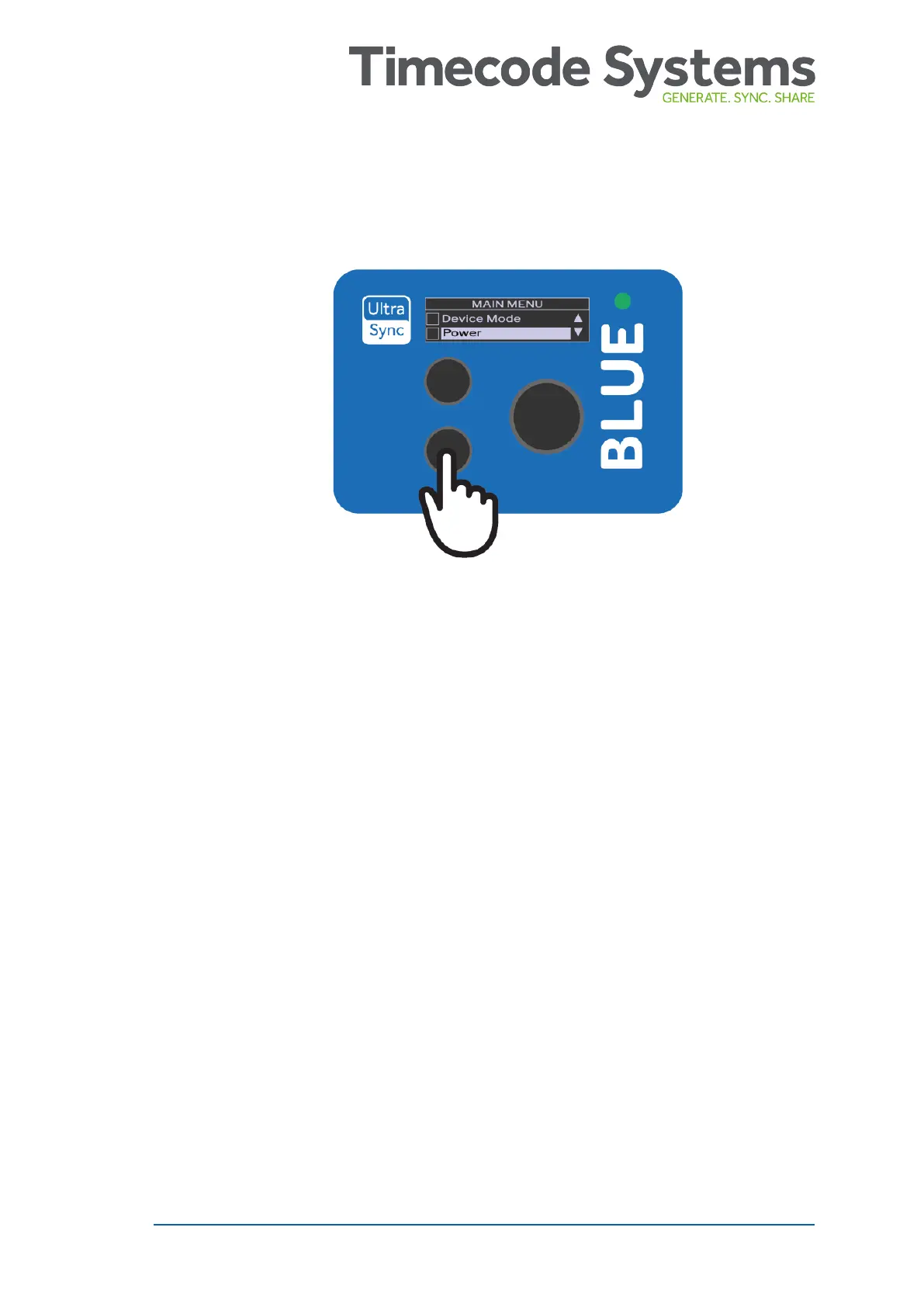
2. Press the down button to scroll down to the Power option, and
then press the Select button.
3. Press the up or down to scroll to the option you need:
l Run - To turn the UltraSync BLUE on.
l Shut-Down - To turn the UltraSync BLUE off.
l Factory Reset - To return all of the settings to their default
values.
l Back - to return to the main menu.
4. Press the Select button.
5. Choose the Confirm option and press Select (or choose Back to
return to the previous screen).
UltraSync BLUE User Guide 9



 To Next Page