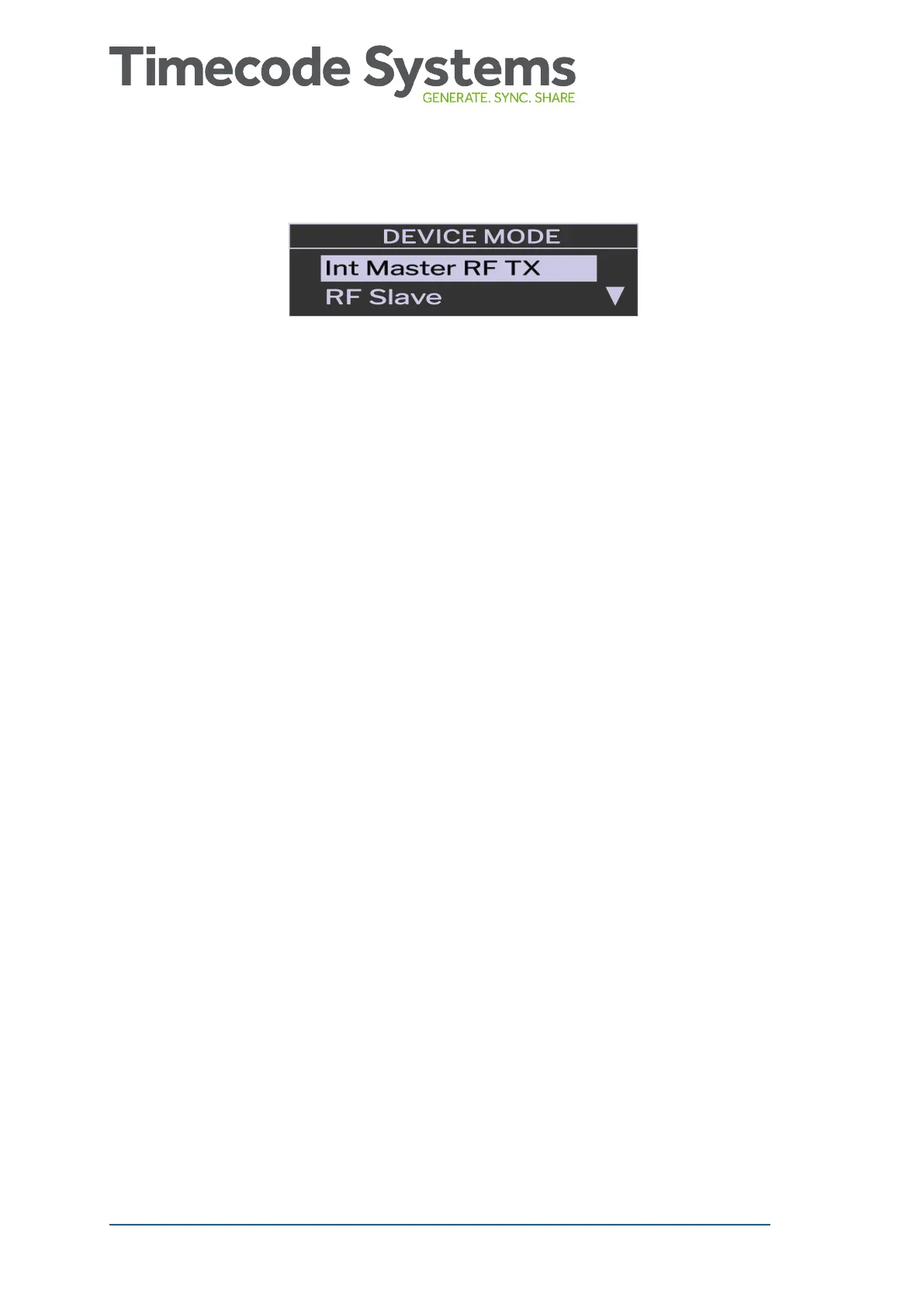
4. Choose the mode for your UltraSync BLUE.
5. Press the Select button.
6. Choose the Confirm option and press Select (or choose Back to
return to the previous screen).
When you have set the mode, you need to set the RF channel and RF
region so that the UltraSync BLUE uses the correct radio frequency.
If you have set your UltraSync BLUE to run in RF Slave mode, it will
use its own timecode settings until it is in range of a master device.
The radio range is 200m approx. When the UltraSync BLUE is in range,
it will sync to the master device's timecode.
If you set your UltraSync BLUE to run in Int Master RF TX mode or
Free Run mode, you need to Set the Timecode (see page 25).
You may also want to Set the Frame Rate (see page 27).
24 UltraSync BLUE User Guide



 To Next Page