Smart Camera
1. The Smart Camera Feature allows you to use your watch to operate the camera on your
smart phone. Tap the Smart Camera icon. Your phone’s camera is activated and the
prompt to PRESS FOR SHUTTER is displayed on your watch.
!
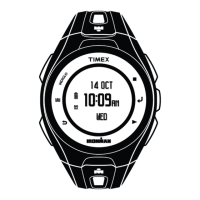
2. Position the camera phone as required and press the SELECT button (right side, center
position) to take the picture.
!






 To Next Page