Telephone functions / making calls
13
Telephone functions / making calls
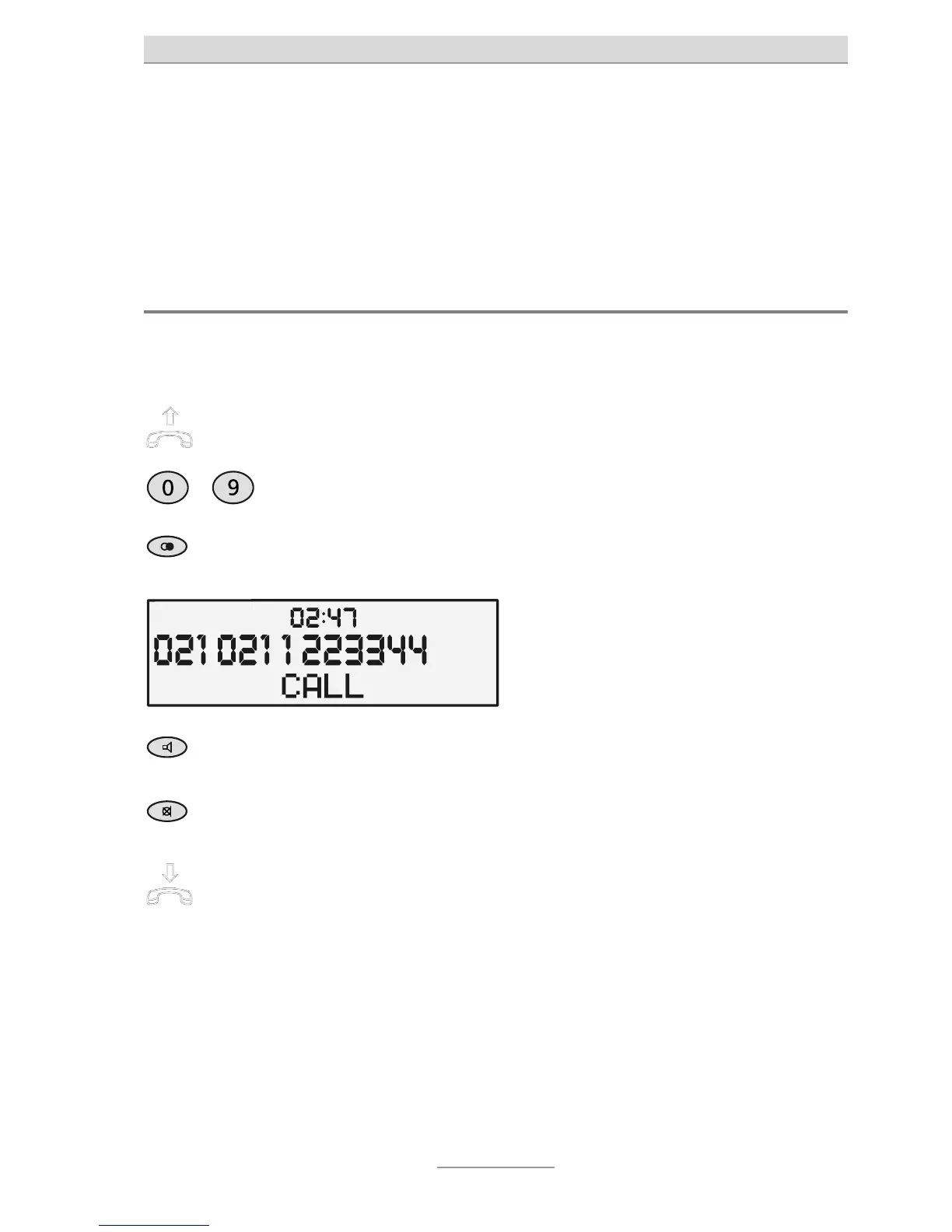
During a telephone call, a call timer is displayed showing how long the line has
been engaged. This enables you to see at all times how long you have been on the
phone.
Immediate dialling
Here the digits pressed are dialled immediately without any option to make correc-
tions.
Pick up the receiver and wait for the
dial tone.
…
Use the numeric keypad to enter the
required number.
The digits pressed are displayed and di-
alled immediately.
To redial the number last dialled,
press Redial.
The number last dialled is dialled.
To enable/disable the loudspeaker,
press Loudspeaker.
The loudspeaker is enabled and others
present can listen in on the conversation.
To enable/disable the microphone,
press Mute.
The microphone is disabled and the Mute
button lights up.
Simply put down the receiver to end
a call.
The line is disconnected.



 To Next Page