ers.
The character under the cursor is delet-
ed.
3 secs
To delete the entire line, keep DEL
pressed for three seconds.
The entire line is deleted.
Press OK to confirm your input.
The cursor stops flashing and the entry is
accepted.
Press ESC to exit the input box.
The display again shows the top-level
menu.
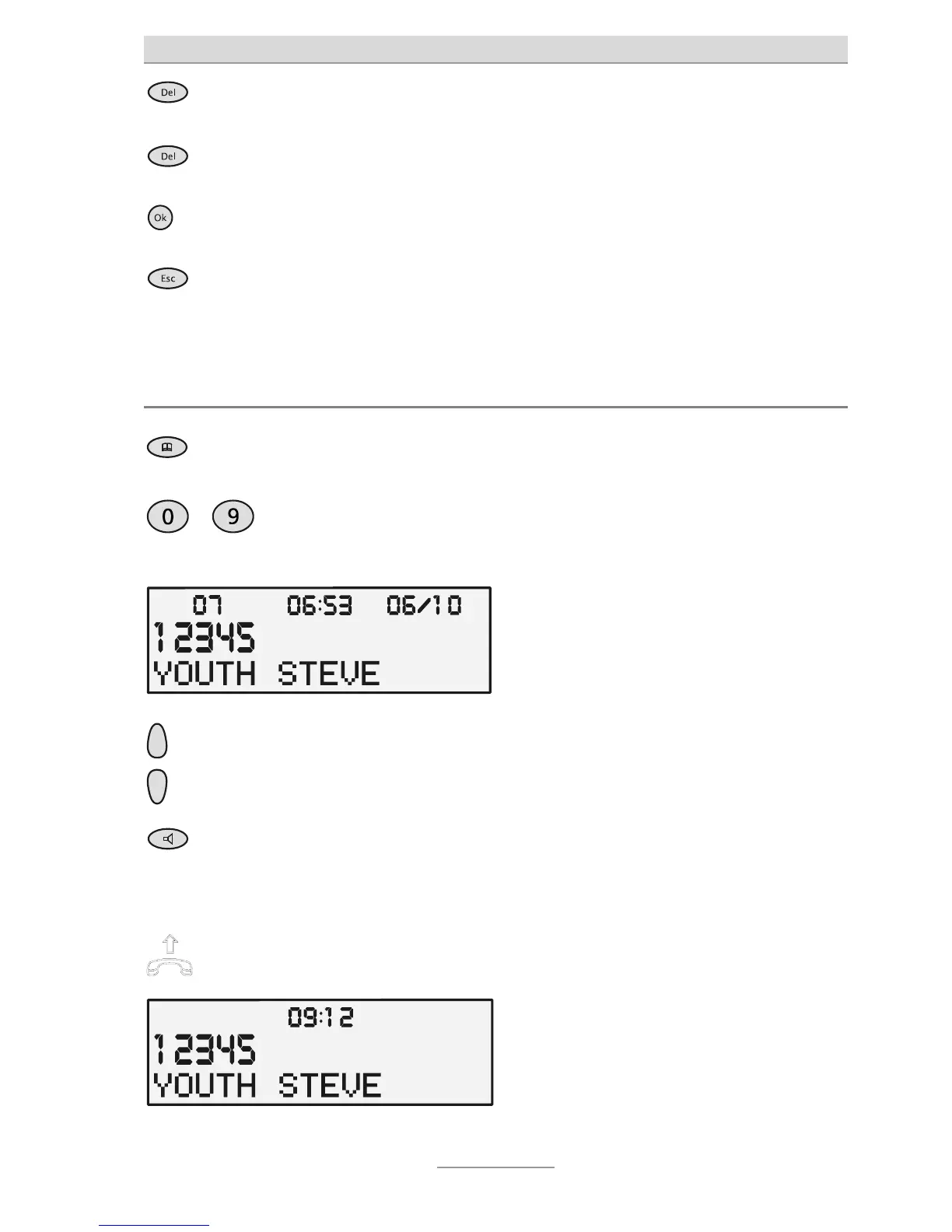
Selecting from the phone book
Press Phone book. The phone book is opened at the begin-
ning with "A".
…
Use the numeric keypad to enter the
first letter of the name you are look-
ing for (e.g. S for Smith).
The first name starting with "S" is dis-
played.
Use the Control buttons (up/down)
o narrow down your search.
The sequential number of the entry is
shown in the top left of the display.
Press the Loudspeaker button to
establish a connection.
The connection is established and
hands-free mode is enabled.
or
Simply pick up the receiver. The connection is established and you
can hold your conversation.



 To Next Page