Settings
25
Setup menu
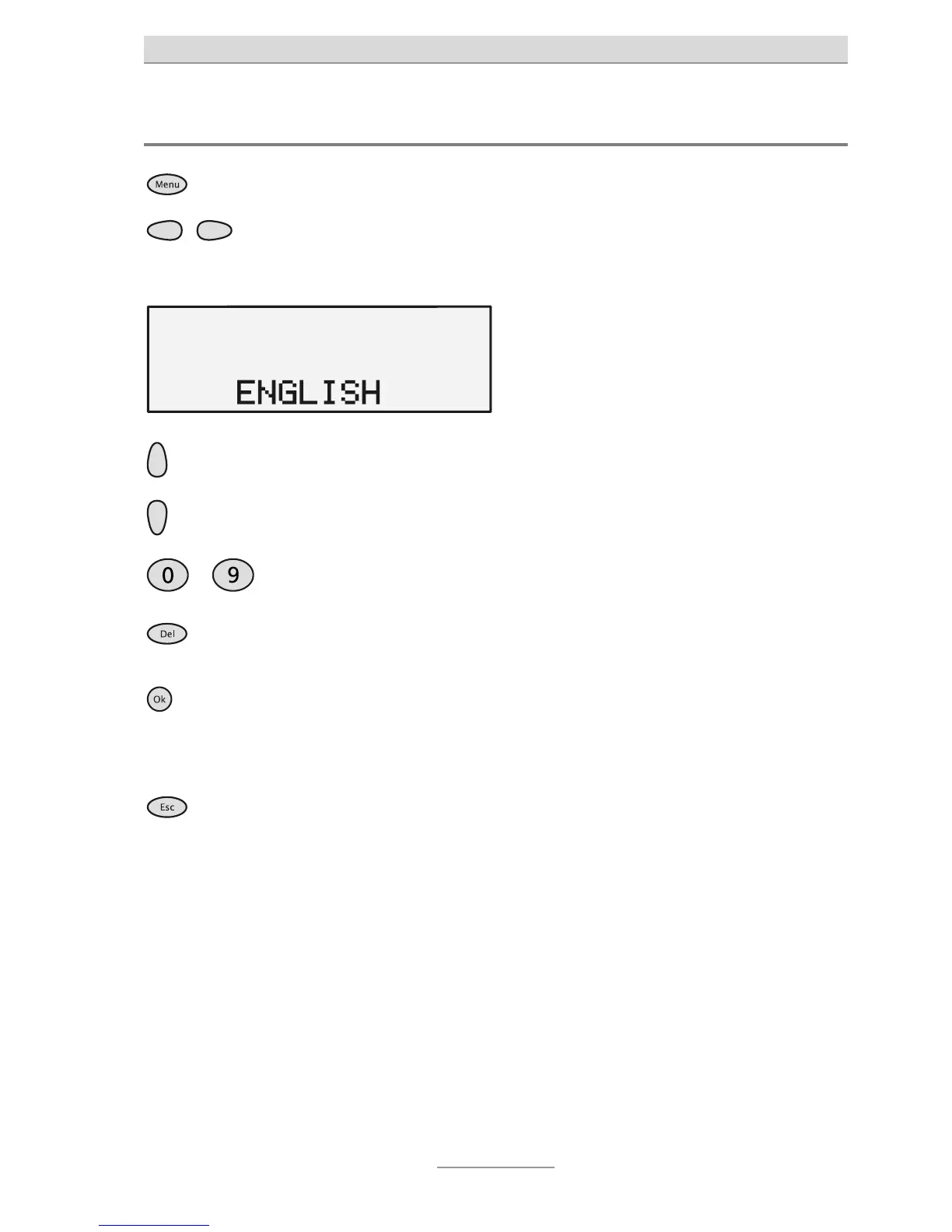
With the receiver down, press the
Menu button.
The menu is displayed.
Use the Control buttons (left/right)
he Control buttons (up/down).
The display shows the different setting
options.
…
Use the numeric keypad to enter the
outside line prefix.
The digits pressed are displayed.
Use DEL to clear or correct the out-
side line prefix.
The last digit is deleted each time.
Press OK to accept the setting. The setting is accepted and the display
switches to the next one.
or
Press ESC to discard the setting. The display again shows the top-level
menu.



 To Next Page