Call logs
17
Press the Loudspeaker to establish
a connection.
The connection is established and
hands-free speaking is enabled.
or
Simply pick up the receiver. The connection is established and you
can hold your conversation.
Call numbers dialled
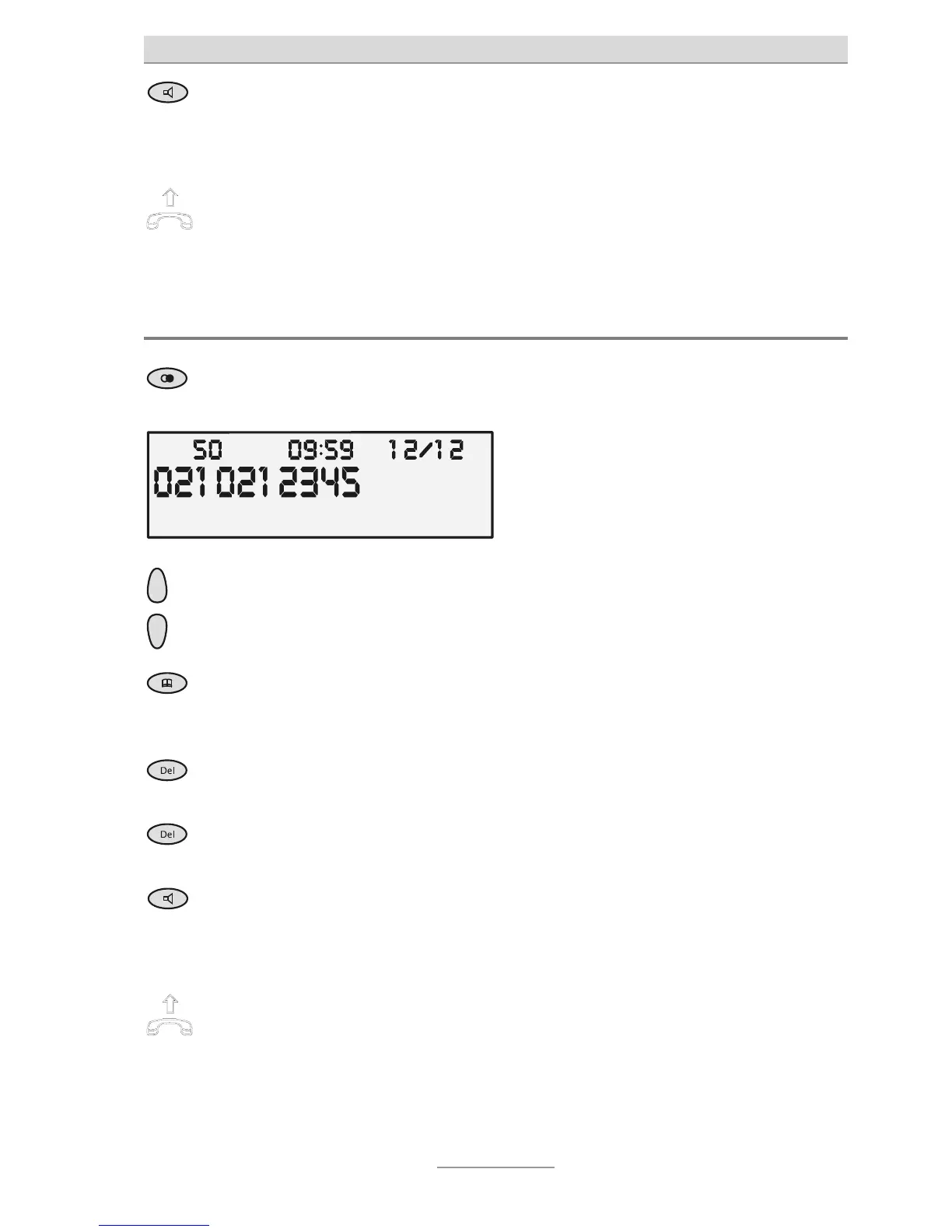
When in the top-level menu, press
he Redial button.
The display changes and shows the
newest entry at the very top of the list.
Use the Control buttons (up/down)
o scroll between individual entries.
The required call is shown with call time
and date.
3 secs
To copy the telephone number to
he phone book, press the Phone
book button for three seconds.
The input box for the phone book opens.
The entry is stored after confirmation
with the OK button.
Press DEL to delete the call select-
ed.
The call is deleted after acknowledging
he prompt.
3 secs
To delete the entire list, keep DEL
pressed for two seconds.
All entries are deleted after acknowledg-
ing the prompt.
Press the Loudspeaker button to
establish a connection.
The connection is established and
hands-free mode is enabled.
or
Simply pick up the receiver. The connection is established and you
can hold your conversation.



 To Next Page