Settings
26
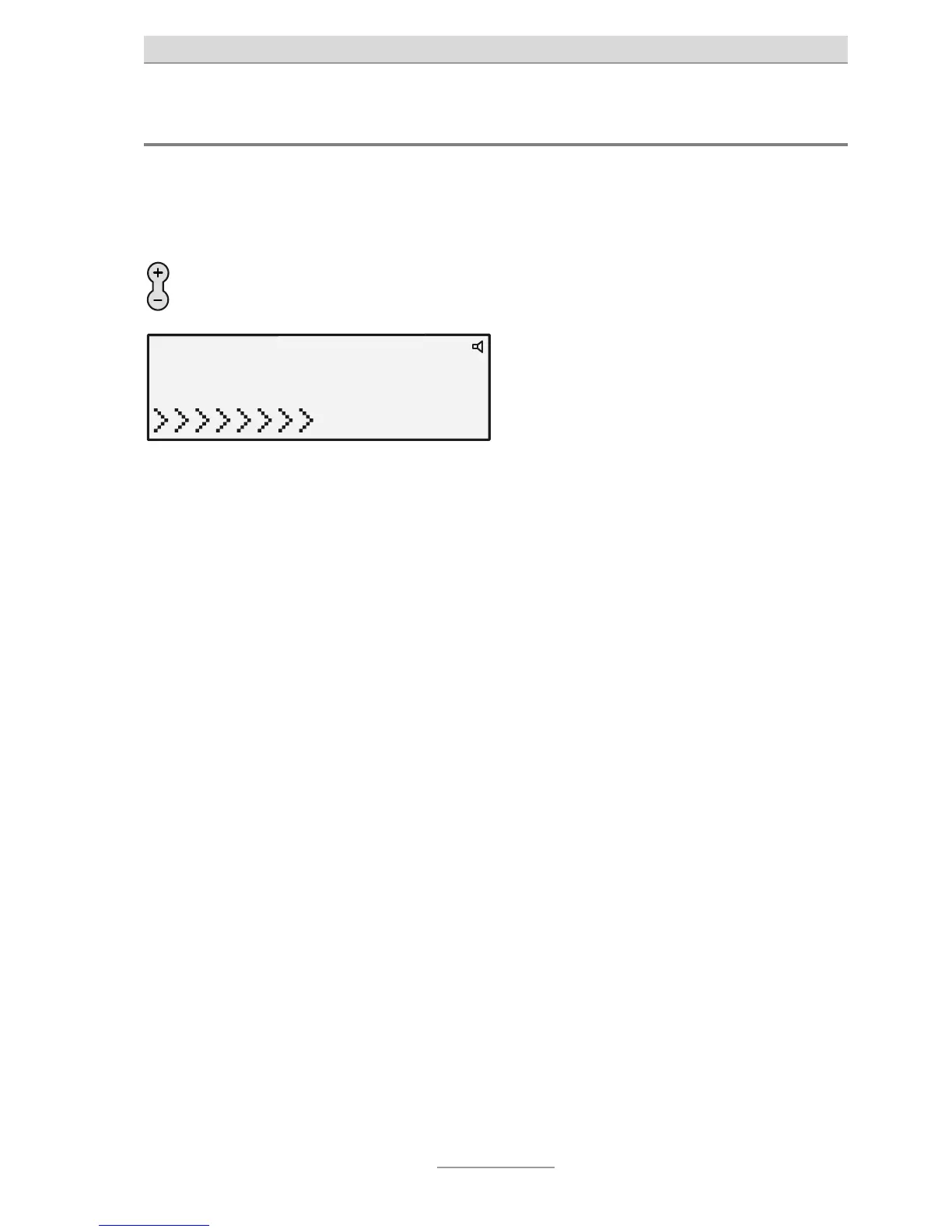
Adjusting the volume
The volume can be set when the loudspeaker is enabled. With the receiver picked
up, the receiver volume changes, when an incoming call is being indicated, the vol-
ume of the call tone melody changes.
Adjust the volume with the
Plus/Minus buttons.
The volume bar shows the current set-



 To Next Page