Telephone functions / making calls
14
Non-immediate dialling (dial preparation)
Here the digits entered are not dialled immediately, meaning corrections can be
made before dialling.
…
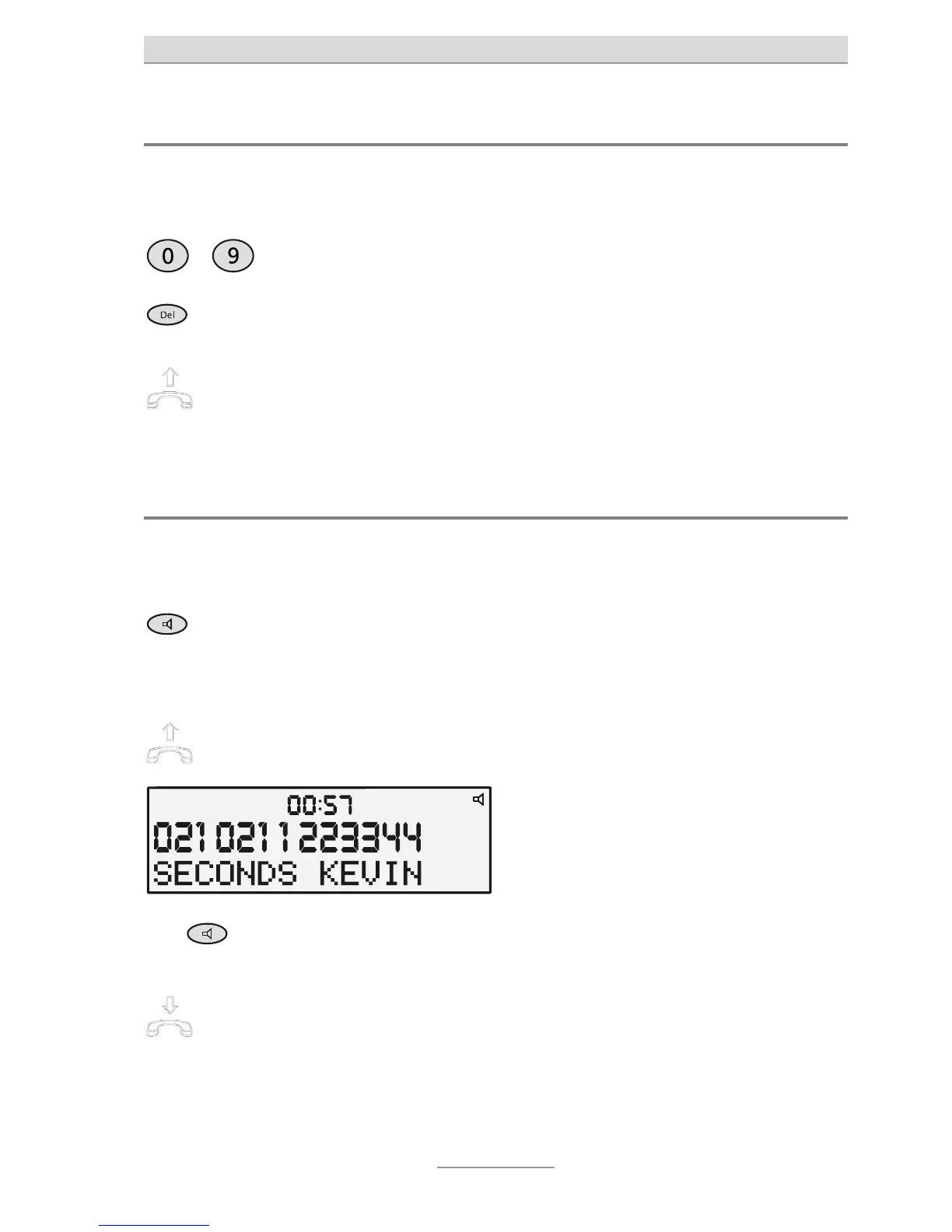
Use the numeric keypad to enter the
required number.
The digits pressed are displayed but not
yet dialled.
If you press a wrong button, press
DEL.
The last digit is deleted and can be re-
entered.
Pick up the receiver to dial a tele-
phone number entered.
The connection is established and you
can hold your conversation.
Hands-free talking
Instead of using the telephone receiver, you can establish a connection or receive a
call using hands-free mode.
Press Loudspeaker (same as pick-
ing up the receiver).
Displayed in the top right is a loudspeak-
er symbol and the Loudspeaker button
lights up. You can hear the dial tone and
make your call.
To switch from hands-free to re-
ceiver, simply pick up the receiver.
ou can then continue your conversation
with the receiver.
Keep
pressed
To switch from receiver to hands-
free, keep the Loudspeaker button
pressed and put down the receiver.



 To Next Page