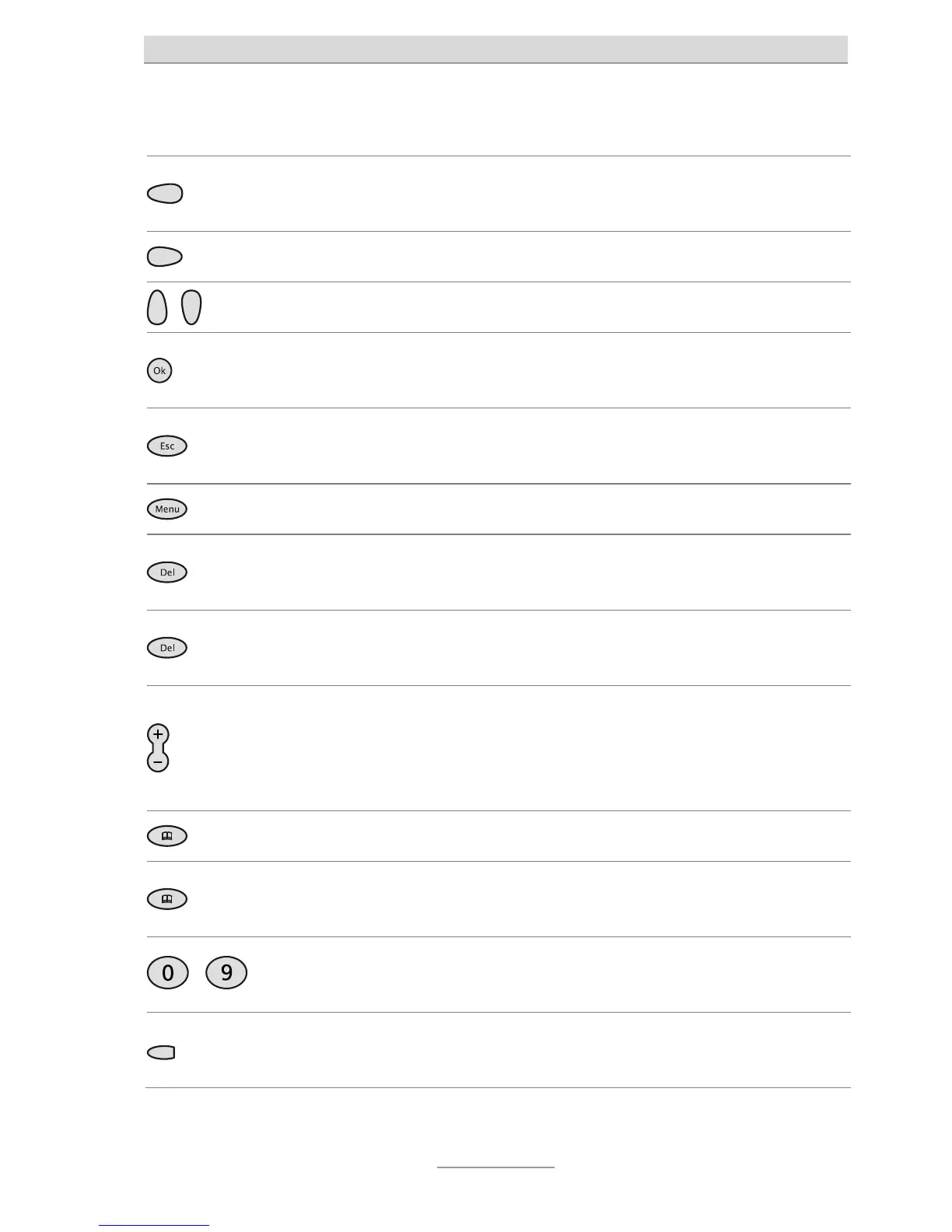
Assignment of buttons
6
Assignment of buttons
Control button (left): Used for navigation and settings. From the top-level
menu, accesses the call log.
Control button (right): Used for navigation and settings.
Control buttons (up/down): Used for navigation and settings.
OK button: Used to save a new setting. Starts dialling a telephone number
entered or selected.
ESC: Ends the current function, used to close open menus and returns the
user to the top-level menu. Cancels a setting, the old value is preserved.
Menu: Opens the Setup menu.
DEL: Deletes the entry selected. For input boxes, deletes the position under
he entire entry.
Plus/Minus: Changes the volume. The ring tone volume changes when an
incoming call is being indicated. The receiver volume changes during a
elephone call. They are used to insert a pause when a telephone number is
being entered.
Phone book: Opens the phone book.
3 secs
Pressing Phone book for three seconds opens the input box for a new
phone book entry or opens an existing entry.
…
Digits: Are used to enter numbers and names, and to dial telephone
numbers.
Direct dial button: Here telephone numbers can be stored as direct
destinations.



 To Next Page