Assignment of buttons
7
3 secs
Pressing the direct dial button for three seconds enables a telephone
number and a name to be entered.
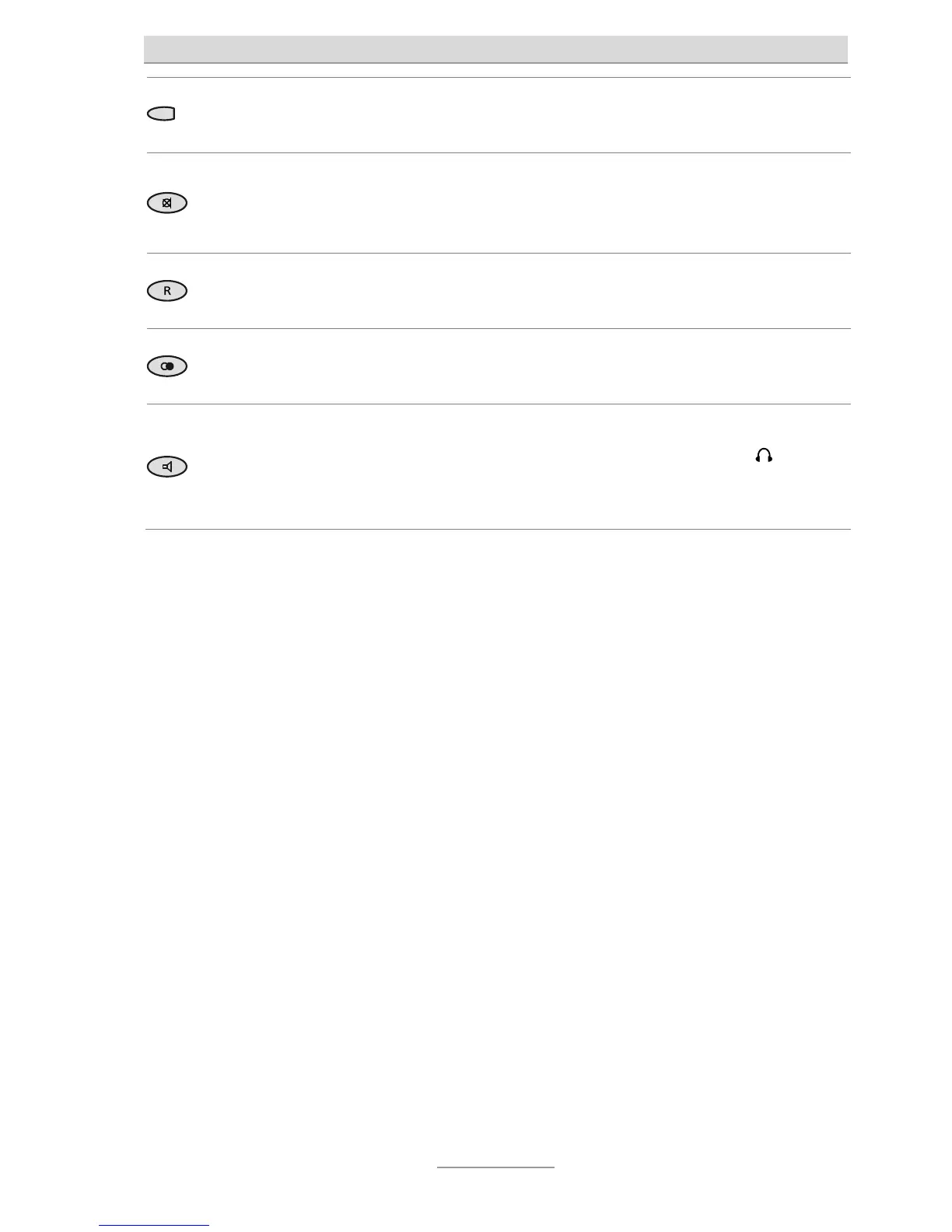
Mute button: Disables the microphone during a telephone call. When the
phone is in the top-level menu, the call tone can be disabled and enabled
again (for some peace).
R button: Is used for transferring calls within a telephone system. Initiates
special functions in many networks.
Redial: With receiver picked up, it starts to redial the number called last.
With receiver down, it opens the Redial list.
Loudspeaker: Starts to dial a telephone number entered or selected.
Enables/disables the line with the hands-free function/headset (
connector). Switches to loudspeaker mode during a conversation using the
receiver.



 To Next Page