Text entries
18
Text entries
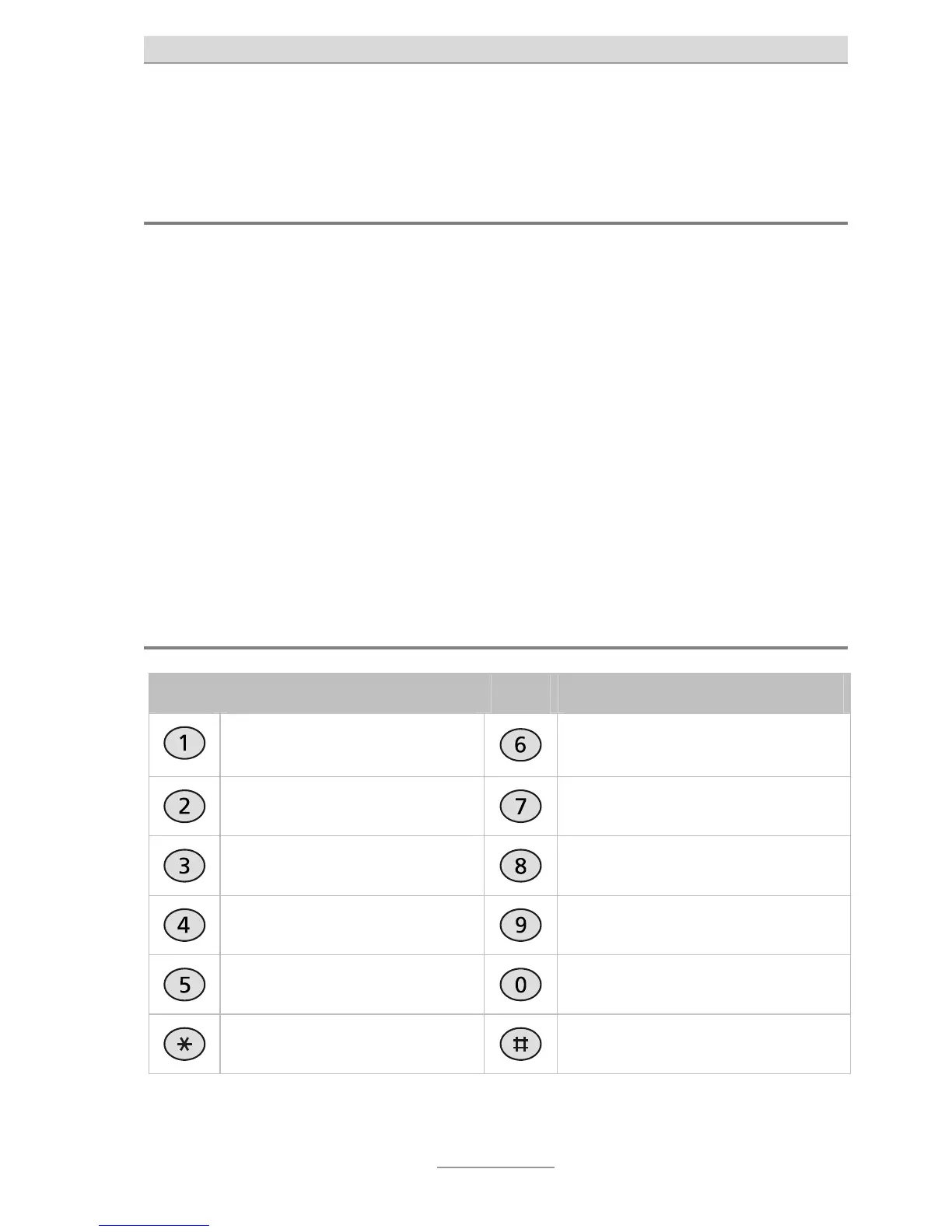
Text entry via the numeric keypad
When your telephone is in text entry mode, you can enter names with the digit but-
tons. Please refer to the printing on the case and table "Overview of possible char-
acters" to see which characters can be entered with which buttons.
Pressing one of the digit buttons when the telephone is in text entry mode shows
the first character on the display. Every subsequent press replaces the current
character with the next.
Example: Suppose you want to write the letter "c". "c" is the third letter on "digit but-
ton 2". So press "2" three times in a row.
If you stop pressing, the current letter is taken and the cursor moves to the next lo-
cation. Use the Control buttons to navigate within the text. Press DEL to delete a
character. To delete the entire line, keep DEL pressed for three seconds.
Overview of the characters supported
Button Assignment Button Assignment
. ,? ! 1 : ; ’ “ ( ) = + - / & % [ ] <
>
M N O 6
A B C 2
P Q R S 7
D E F 3
T U V 8
G H I 4
W X Y Z 9
J K L 5
(space) 0
*
#



 To Next Page