Telephone functions / making calls
15
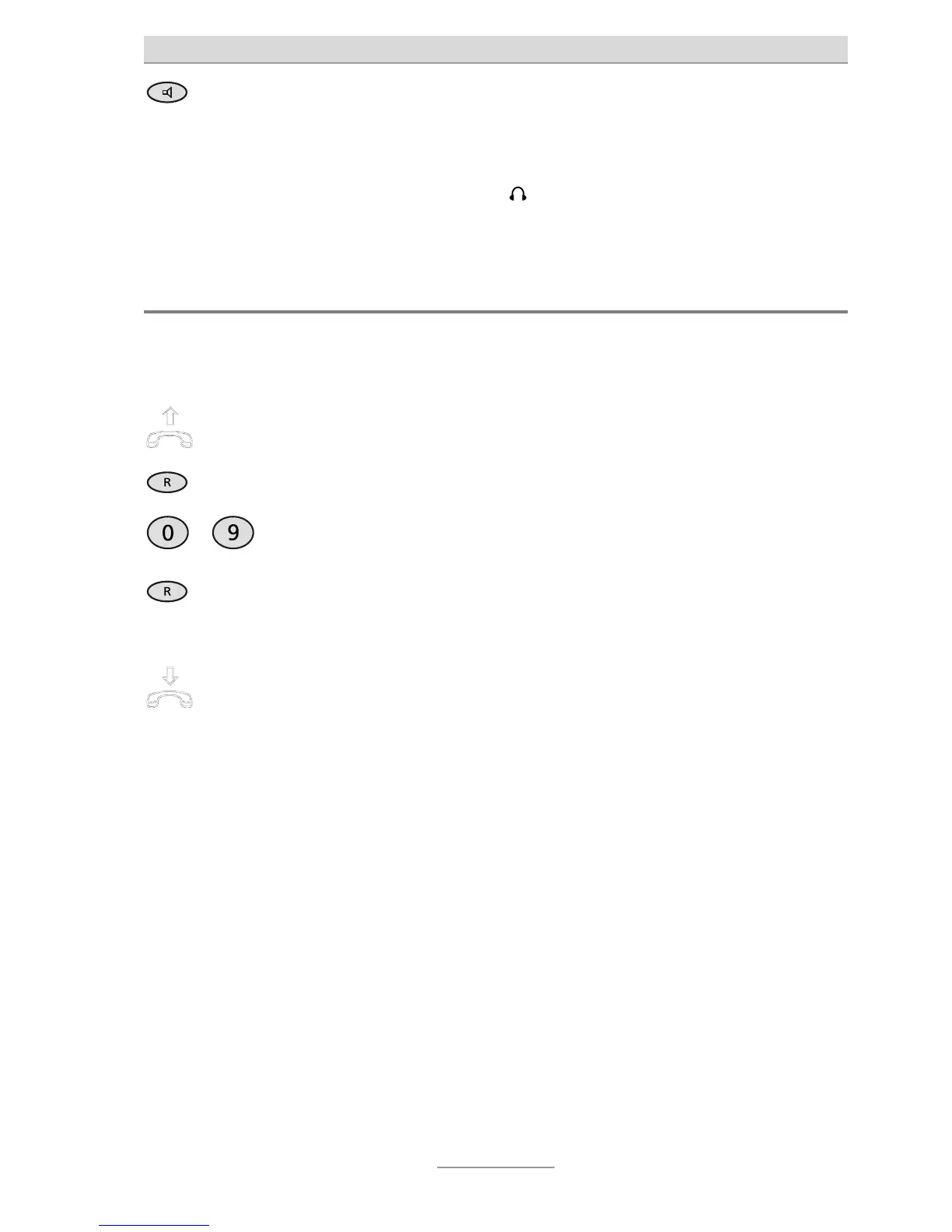
To end the call, press Loudspeaker
again (same as putting down the
receiver).
The line is disconnected.
When the headset is plugged into the connector, the hands-free function is
not available. Instead the headset is used for the conversation.
Transferring calls / flash (R button)
On most telephone systems, the R button can be used to transfer calls. Refer to the
operating instructions for your telephone system or ask your system administrator.
Accept call, e.g. with the telephone
receiver.
ou can speak to the person at the other
end and say the call is being transferred.
Press the R button.
…
Use the numeric keypad to enter the
required call recipient.
The connection is established.
If the line is busy, you can recon-
nect to the caller by pressing the R
button.
The R button must be pressed twice on
many telephone systems.
Tell the caller the call is being trans-
ferred or simply put down the re-
ceiver.
The call is transferred.
This process can vary depending on telephone system. For many functions
initiated with a flash (R button), setting the flash from short to long may also
be required (see also Page 24, "Settings").



 To Next Page