Phone book
19
Phone book
General
The phone book manages the names and telephone numbers of your contacts. A
maximum number of 99 entries can be stored. An entry comprises a name (search
term) and telephone number. The name must start with a letter. The telephone
number should always start with the area code (prefix) so that the appropriate but-
ton lights up when the incoming telephone number matches the number stored.
The entries are sorted alphabetically.
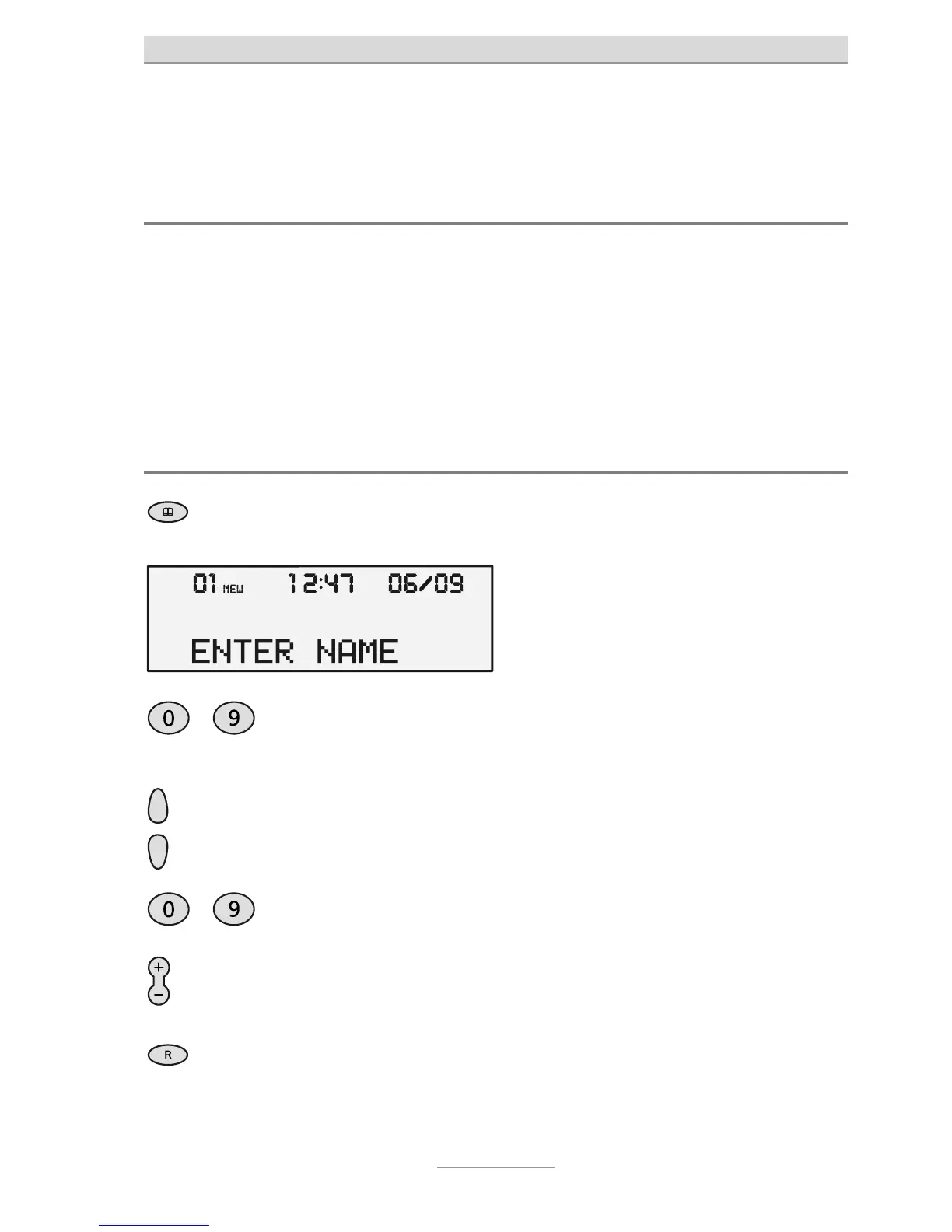
Inputting and storing entries
3 secs
Keep Phone book pressed for three
seconds.
The input box for a new entry is dis-
played.
…
Use the numeric keypad to enter the
name (see also Page 18, "Text en-
elephone number.
The digits pressed are displayed.
Use the Plus/Minus buttons to in-
sert a pause of three seconds dura-
ion.
A "P" is shown on the display.
A flash can be entered with the R
button.
An "F" is shown on the display.



 To Next Page