3-5
Chapter 3
OPERATION
1.3.3.Exampleofbroadcastingtothepresetzone
You can make broadcasts from the remote microphone to the preset zones only by pressing the Talk key if you
assign the broadcast zone patterns to the Talk key in advance.
Note
For instructions on assigning zone pattern to talk key, see the separate Setting Software Instructions, "EVENT
SETTINGS."
Step 1. Press the Talk key.
A zone preset to the Talk key will be selected,
and a chime will be broadcast. This chime will be
audible through the monitor speaker built in the
RM-300X.
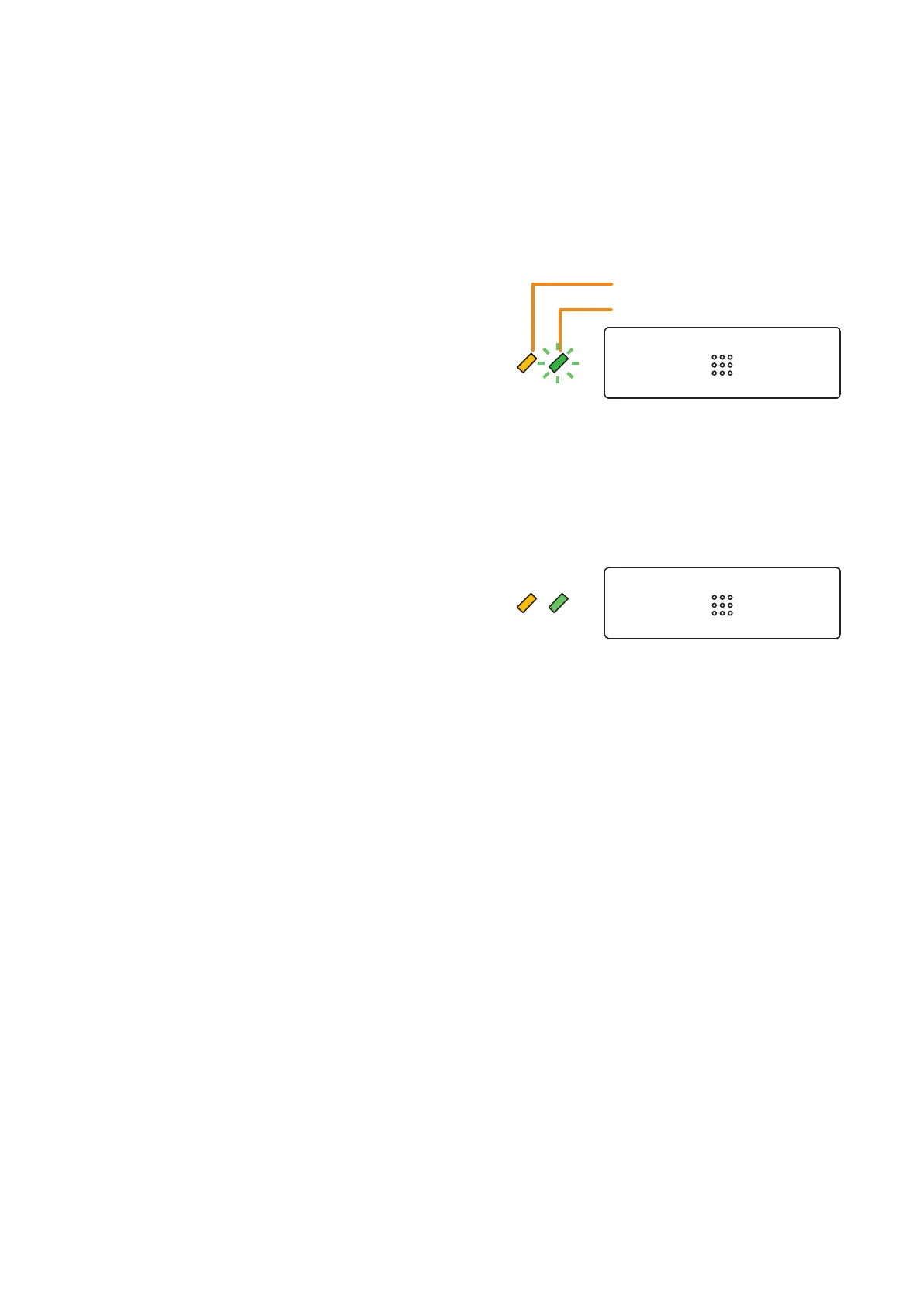
The Microphone indicator ashes green while
the chime is being activated. (RM-300X only)
Note
Pressing the Talk key again while the chime is
being activated causes the chime to stop, ending
the broadcast in progress.
Step 2. When the microphone indicator next to the
Talk key lights green, make the microphone
announcement.
Step 3. Press the Talk key.
The broadcast ends.
Broadcast status indicator
Microphone indicator
Talk key
Yellow
Flashes
green
Yellow Green



 To Next Page