3-8
Chapter 3
OPERATION
1.3.8.Exampleofinputvolumeadjustment
[Whenincreasingthevolumelevelofthepresetinputchannel]
Step: Press the function key 11 (Input 1 volume up) several
times until the volume becomes the desired level.
Each time the key is pressed, the volume level of the set
input channel increases by the set amount.
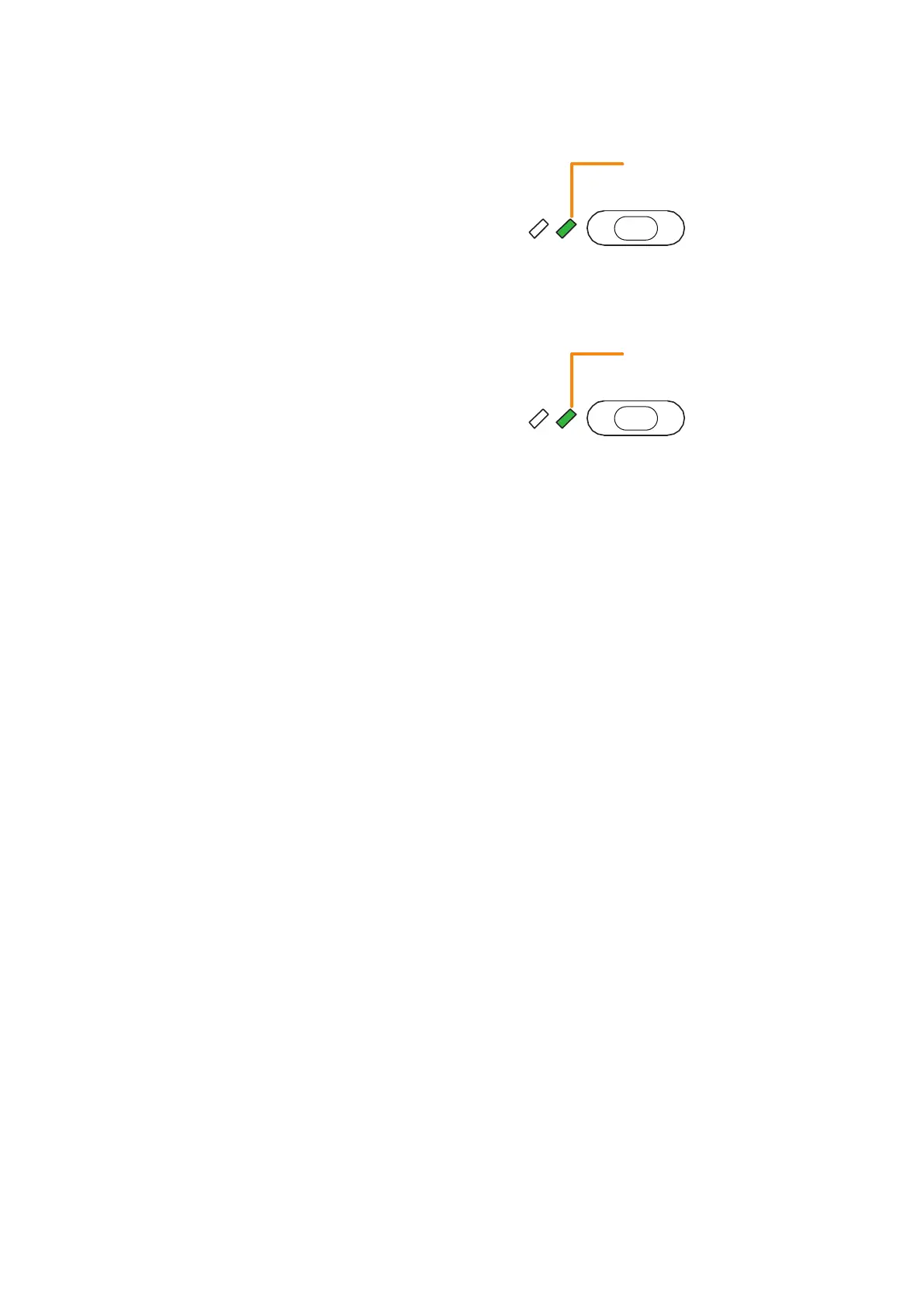
The volume indicator lights green when the volume
level becomes greater than the initial value* of that input
channel.
[Whendecreasingthevolumelevelofthepresetinputchannel]
Step: Press the function key 12 (Input 1 volume down) several
times until the volume becomes the desired level.
Each time the key is pressed, the volume level of the set
input channel decreases by the set amount.
The volume indicator lights green when the volume
level becomes smaller than the initial value* of that input
channel.
Volume indicator
Function key
11
(Input 1 volume up)
Green
Volume indicator
Function key
12
(Input 1 volume down)
Green
* Volume set in "Sound settings (input)" of the VX-3000 Setting Software.



 To Next Page