3-18
Chapter 3
OPERATION
5. DETECTING FAULT
If a malfunction occurs within the VX-3000 system, the fault state can be indicated, acknowledged or reset
using the following keys or control terminals.
• FAULTACKandFAULTRESETkeysontheVX-3004F,VX-3008F,andVX-3016F
• ControlinputterminalsoftheVX-3004F,VX-3008F,andVX-3016F
• FunctionkeysontheRM-300XorRM-200SF
Note
Regarding the setting procedures for detecting fault within the VX-3000 system, see the separate Setting
Software Instructions, "BASIC SETTINGS."
5.1.FaultDetectionSettingExample
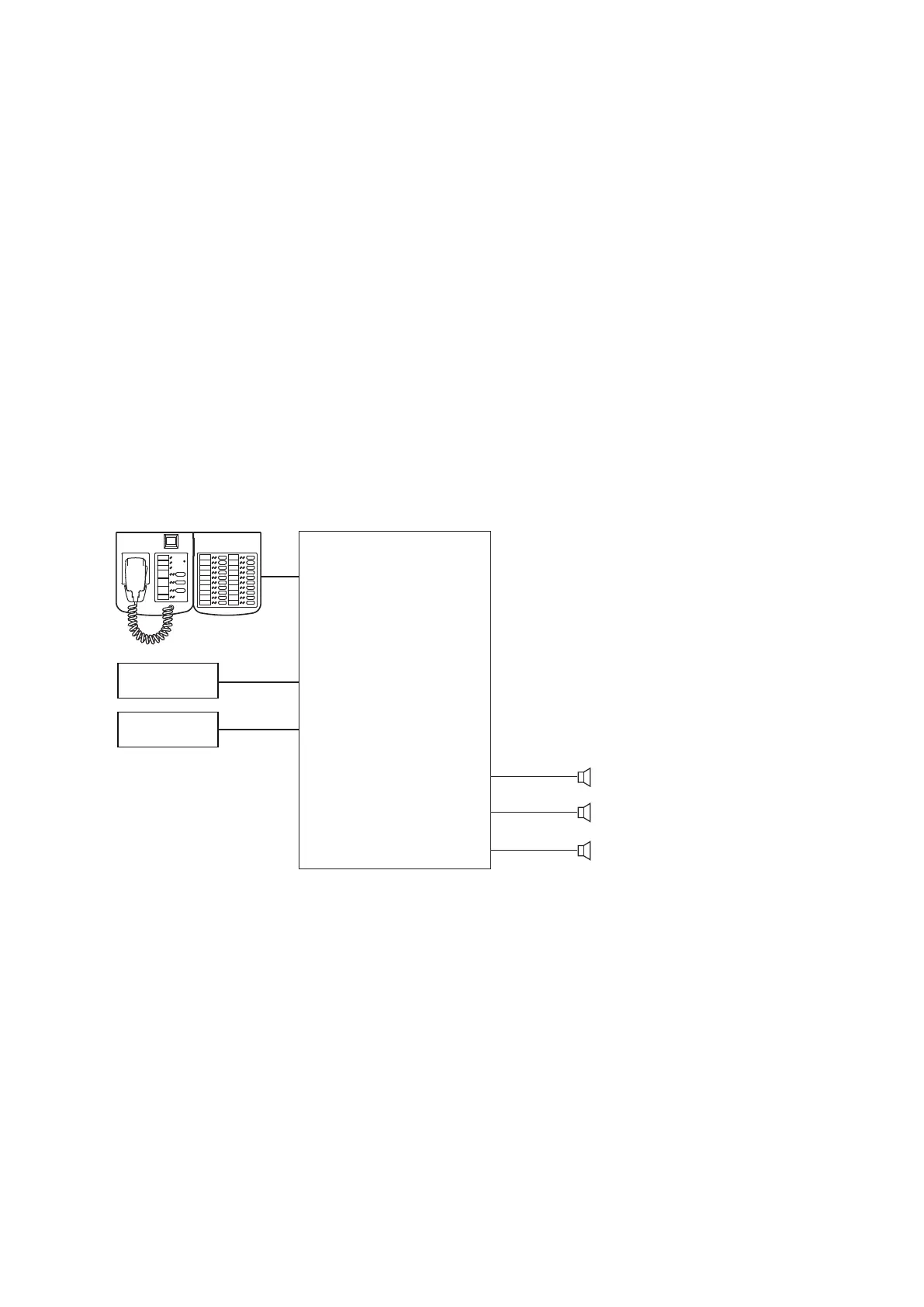
The method to detect the fault within the system using the VX-3004F, RM-200SF, and RM-320F is described
below.
[Systemconfiguration]
BGM Player 1
BGM Player 2
VX-3004F
1F
2F
GF
ZONE 1F
ZONE 2F
ZONE GF
RS-LINK
AUDIO
INPUT 1
AUDIO
INPUT 2
RM-200SF
RM-320F



 To Next Page