42
User
Manual
42
User
Manual
Manual coding on multiple computers at once
Any manual coding can also be done on several computers at the same time providing they all have a valid Tobii
Studio license, for example: 1 person is coding recording 1-20, another person could code 21-40 etc. To do this a
single “Main” project has to be exported from one computer and then imported to the other computers. Do not create
separate projects as they should be exactly the same to later be able to “merge” the data again. When changes are
made the exported projects can be imported again into the Main project and merged with the project. To export a
project use the “Export Project Archive” option from the File menu. To import use “Import Project Archive”, select the
option to “Merge” the project when prompted for this during import.
D) Analyzing the data
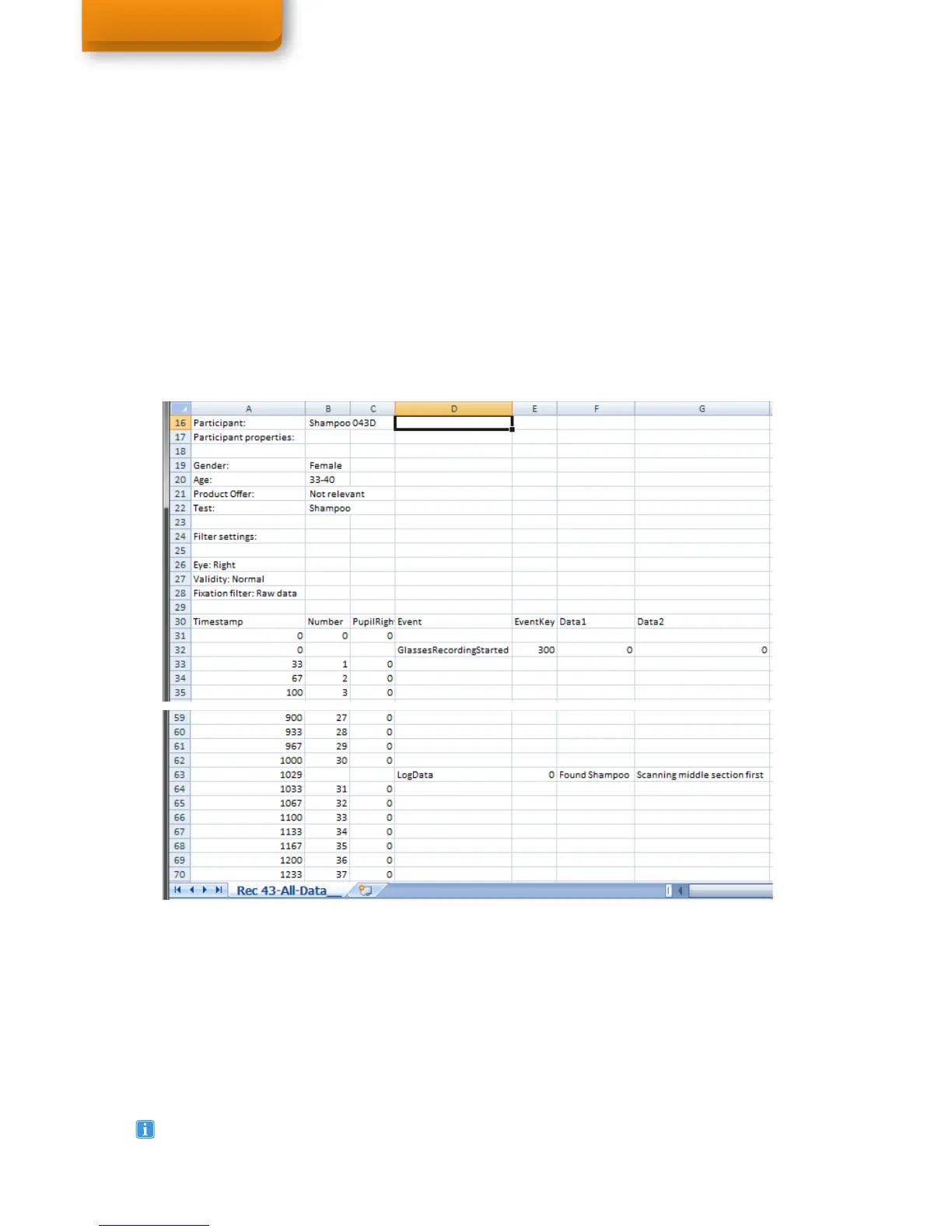
The event data files that are exported can be opened either in SPSS, Excel, or any other program that supports
Tab Separated Values (TSV files). The file will show you the following output: A header with recording data and
independent variables and participant information for grouping your data and help with any labeling. in the following
columns there are: Timestamp, Event & EventKey (not needed for analysis), Data1 (containing the set description of
the action/event), Data2 (any Log message added to the event), Descriptor (not applicable).
For example, sort your data for example on the description and you will be able to do cross calculations on the
events/actions, such as counting frequency, calculate duration, percentage fixated etc. Replace the description with
numbers to help make calculations easier. Continue to add/copy data from each recording to a single analysis file
(SPSS or Excel sheet for example) to do more cross calculations and group statistics on all the exported event data.
Always remember to make frequent backups of your project to an external drive in case anything goes wrong
with your PC! Either use the Backup Database feature from the File menu (this will copy the database in a
faster way than export) or also use the exported project archives as a backup later.
Exported data in Microsoft Excel



 To Next Page