IDVisor Smart V2 User Guide Page 10 of 28
Rev 6.1 - December 15, 2020
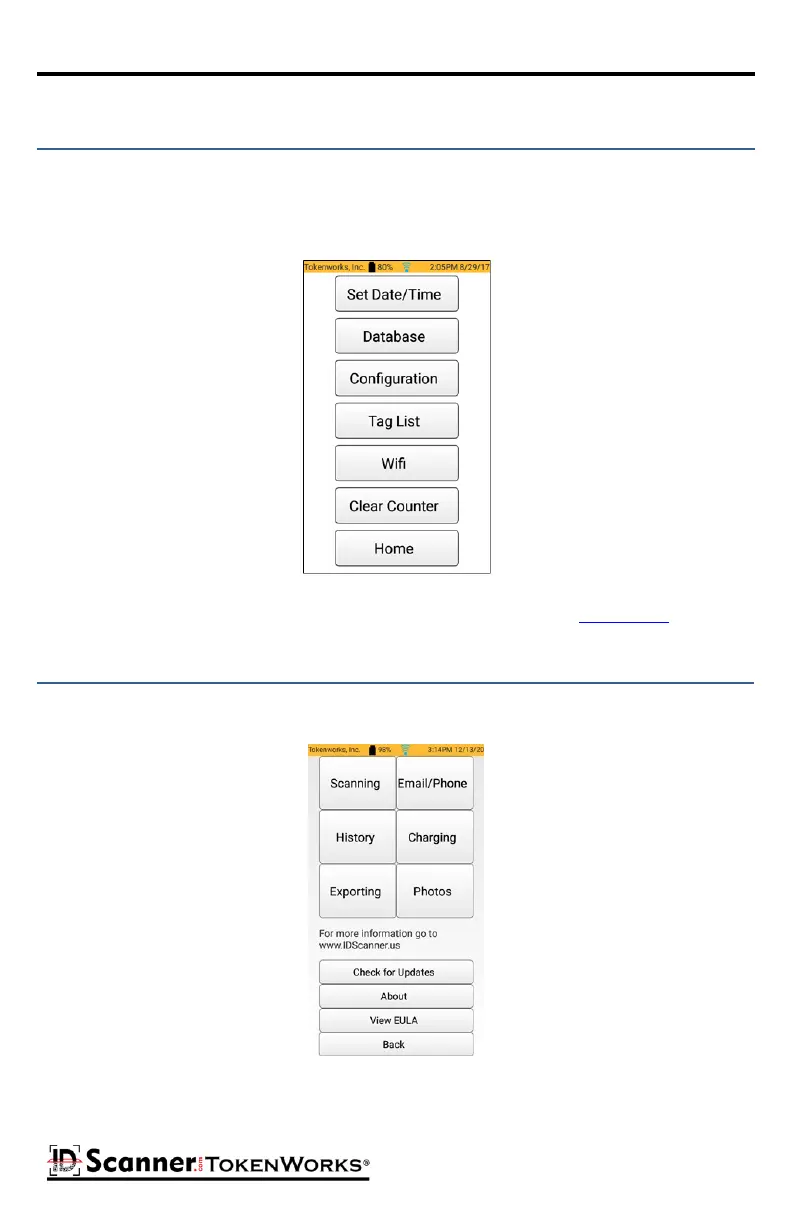
Tapping the Setup buon will display a menu of funcons that are typically used by a system
administrator. These funcons can be protected by pin codes to keep sengs and informaon
secure. The unit comes with a pre-inialized pin code (5678) for the following funcons: Data-
base, Conguraon, and Tag List.
The details of each of the buons in the Setup menu are outlined in the Setup Menu secon.
Setup Menu
Tapping the Help buon will display a menu for viewing short instrucons that describe
operaons of the ID Scanner. Tap any of the 6 menu items to view the instrucons for that
operaon.
Help Menu
Check for Updates will check if there are any new updates for the ID Smart V2 soware. A
Wi-Fi connecon is required to check for updates.



 To Next Page