IDVisor Smart V2 User Guide Page 19 of 28
Rev 6.1 - December 15, 2020
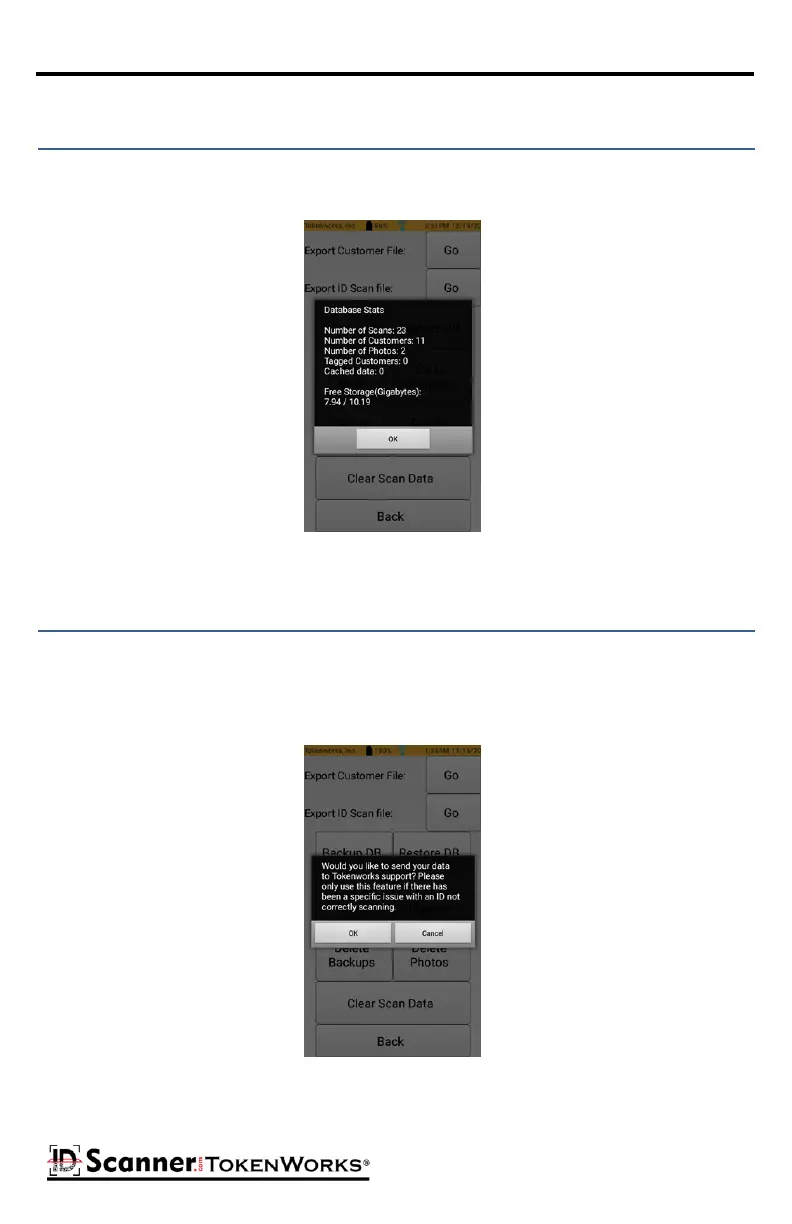
The Check DB Stats buon shows you how many customers, scans, photos and tagged cus-
tomers are currently held in the database.
Database Status
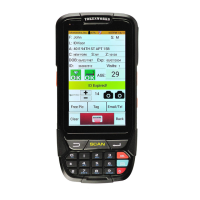
The Send Diagnosc buon can be used to send data to TokenWorks Support. This should
only be used if there is a specic issue you have encountered and you have been in contact
with TokenWorks support.
Send Diagnosc Data



 To Next Page