IDVisor Smart V2 User Guide Page 18 of 28
Rev 6.1 - December 15, 2020
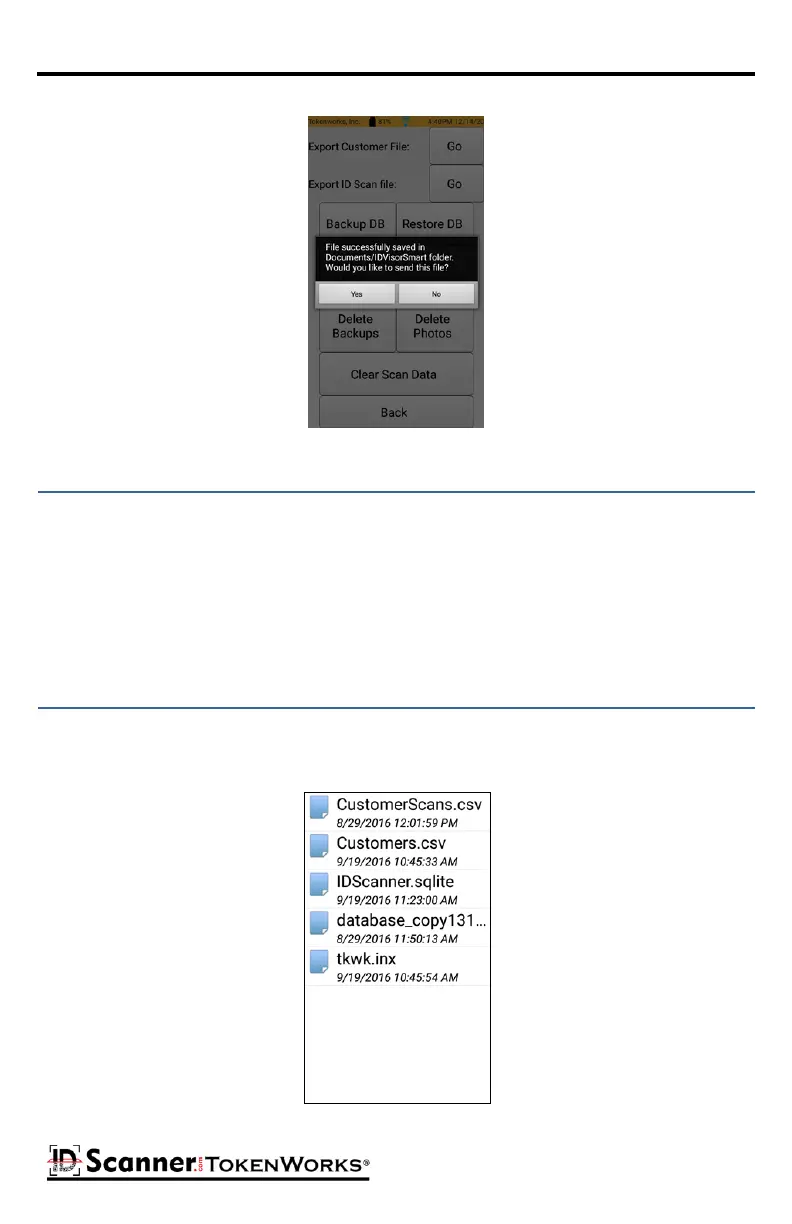
Customer/ID Scan Data Export
The Backup DB buon creates a backup copy of the database to a folder labeled “Backup”.
The backup les have a name format as follows:
Creaon Date_Time_sn_Number of the scan
BkpDb20110425_120636_13_834.sdf
Where “sn” is the rst 2 digits of an internal serial number
Tapping the Restore DB buon brings up a form with a list of database les you can restore.
Below the name of the le is the date and me it was created. Tap on the le name to pro-
ceed with the restore process.
Restore DB Form



 To Next Page