IDVisor Smart V2 User Guide Page 9 of 28
Rev 6.1 - December 15, 2020
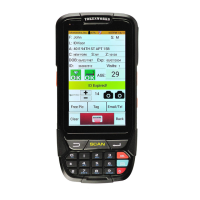
The Tag buon allows a Tag to be added to the displayed customer ID. See the secon
Tagging an ID for details.
The Email/Phone buon allows an email and/or phone number to be added to the dis-
played customer ID. See the secon Adding an Email or Telephone Number for details.
The Photo buon displays any photos (up to 2) associated with the displayed customer ID.
Tapping the Search buon will launch a form that allows you to search for customers by DL#,
Last Name and/or First Name. Paral name searches are supported.
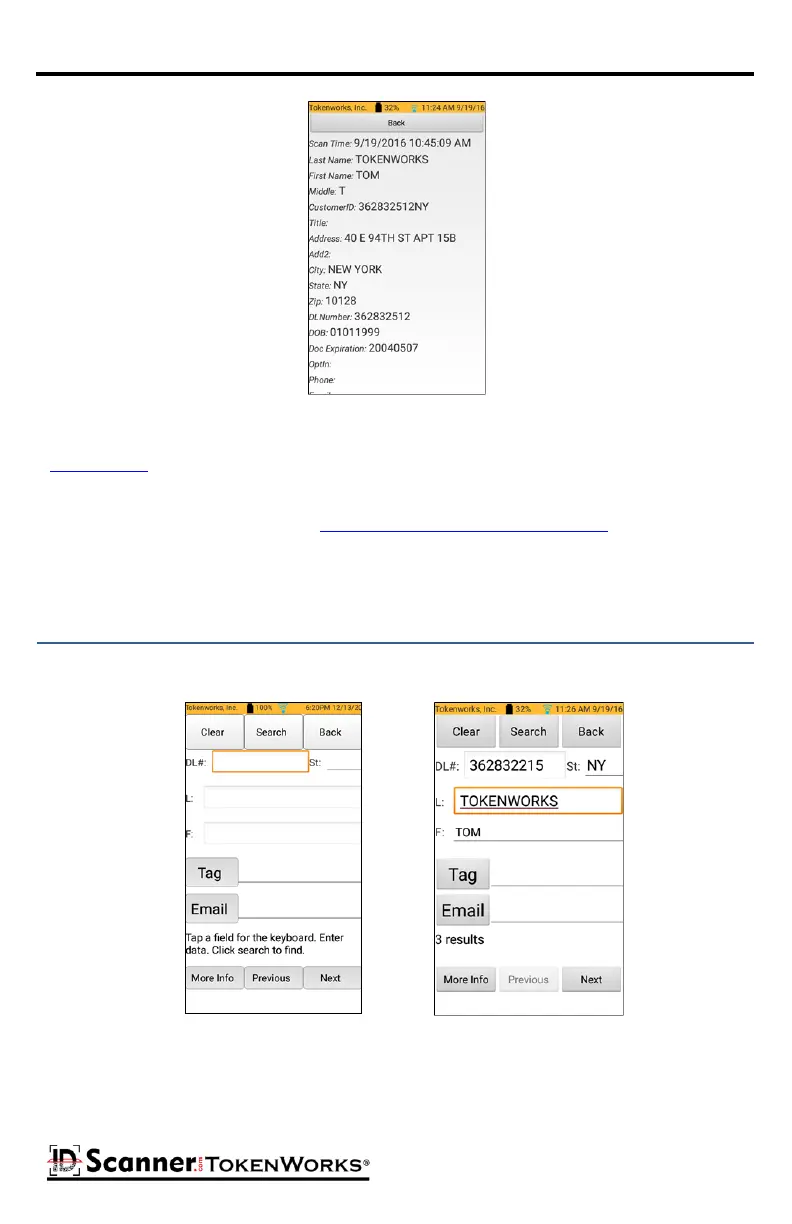
Search and Search Results Screen
Once an ID has been found you can view details of the customer ID record by tapping the
More Info buon. Tap the Tag and Email buons to apply or modify Tags and append Email
and/or Phone informaon.
Scanned Data Individual Record



 To Next Page