TOMAHAWK TW-9010
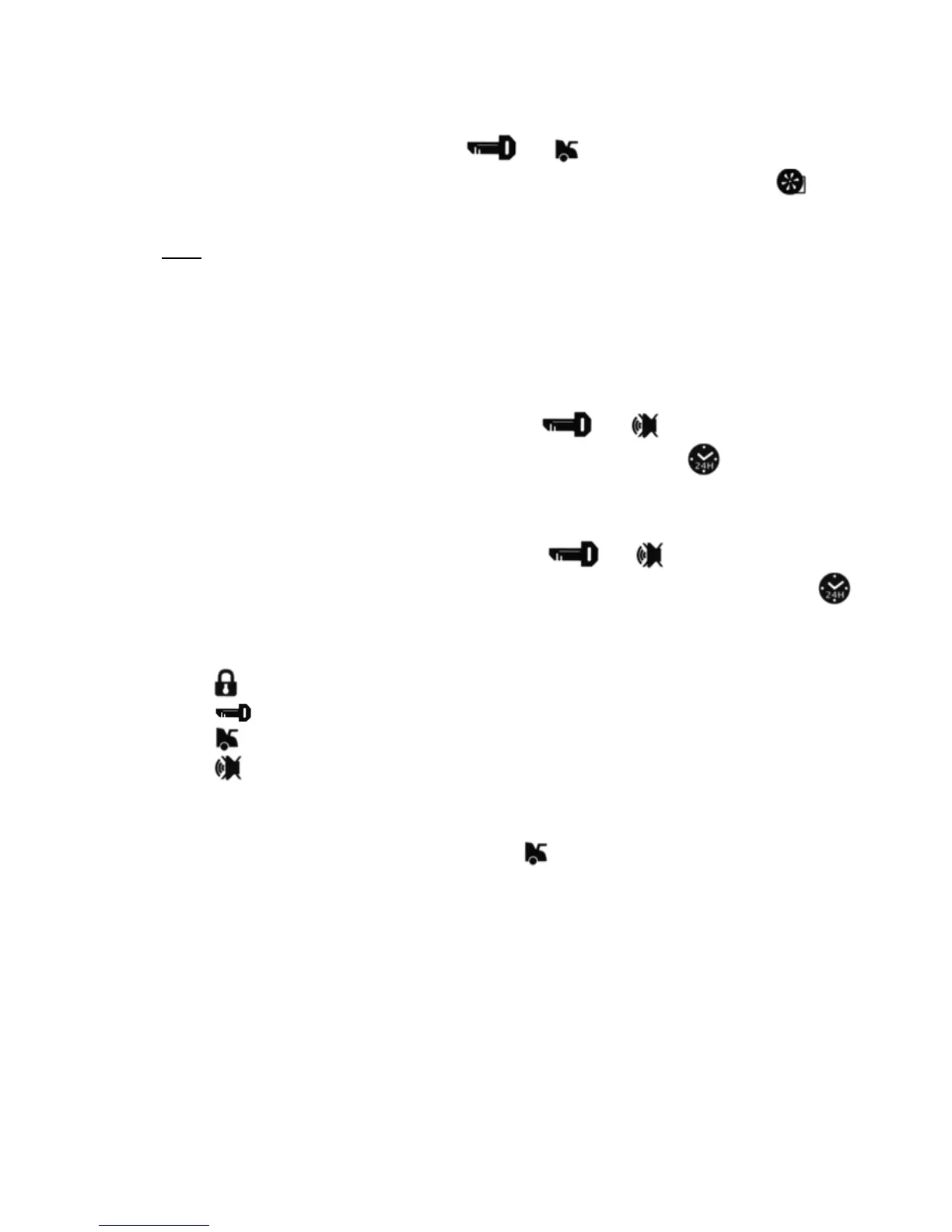
To disable this function, press buttons and . Parking lights will flash 2 times and
siren will sound 2 “CHIRPS” to confirm disabling the function. LCD will hide icon and a
melody will play.
Note:
Automatic engine warming-up to specified temperature should be made six times per two hours
as maximum.
Temperature for automatic engine warming-up may be set at -5°C, -10°C, -20°C, -30°C (see
Programming Table).
15. Daily
(1, 2, 4, 12-hour) Automatic Start-up
To enable this function, press and hold buttons and simultaneously. Siren will
sound 1 “CHIRP” to confirm enabling the function. LCD will display icon and a melody will
play.
After this function is enabled, beginning from the next day, the system will automatically start
engine at the time of enabling.
To disable the daily start-up function, press buttons and . Parking lights will flash 2
times and siren will sound 2 “CHIRPS” to confirm disabling the function. LCD will hide icon
and a melody will play.
To enable 1, 2, 4 and 12 hour start-up, it is necessary to enable the daily start function and then
during 5 seconds to press the respective button on the trinket:
– for hourly start,
– for start-up every 2 hours,
– for start-up every 4 hours,
– for start-up every 12 hours.
16. Remote Status Scanning
To perform remote status scanning, press button . Parking lights will flash 3 times to confirm
data transfer to the trinket-pager receiver; temperature in the cabin, security status, etc.
10



 To Next Page