@
ToolkitRC
2019
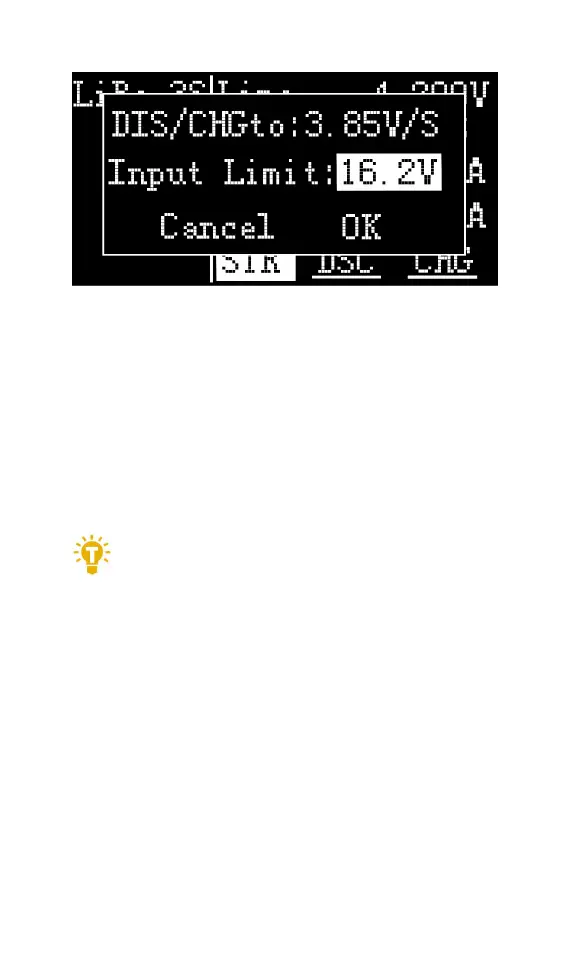
The high limit voltage of recovered. The default is
0.5V higher than the input voltage. Please set
according to the maximum limit voltage of the input
power supply. To cancel the operation, move the
cursor [Cancel] or press [Exit]. Move the cursor to
[OK], short press [OK] to start charging, and display
the charging and discharging work interface.
=================================
1. The discharge cutoff voltage should be set
2. according to the discharge characteristics
of the battery.
2. After the recovery limit voltage is set to the
highest protection voltage of the power
supply, the charger will automatically stop
the recovery discharge. Setting a high
overvoltage may damage the input power
=================================



 To Next Page