21
OPERATION OF Ez Capture for DC-4
Details of DC-4 Grabber (Photography screen)
This chapter will describe the details of the DC-4 Grabber items mentioned in "Outlines of DC-4 Grab-
ber (Photography screen)".
Functions of toolbar icons
Use these icons for the basic operation of DC-4 Grabber.
General functions:
The following table shows the icons for general operations and gives details of each function.
NOTES
• The eye selected in the captured eye reservation function is used as the cap-
tured eye of the photographed image (or movie) when [SL-2G] is set for [Slit
lamp type] of "DC-4 Setting page".
Then, the captured eye is not displayed on the information window with its set-
ting.
• When using the tool bar icons or the captured eye specification function with
"Captured eye reservation", the captured eye on the photography screen is
sometimes different from the real eye. The captured eye to be saved is differ-
ent from the real eye from time to time.
Use the captured eye specification function on your own responsibility.
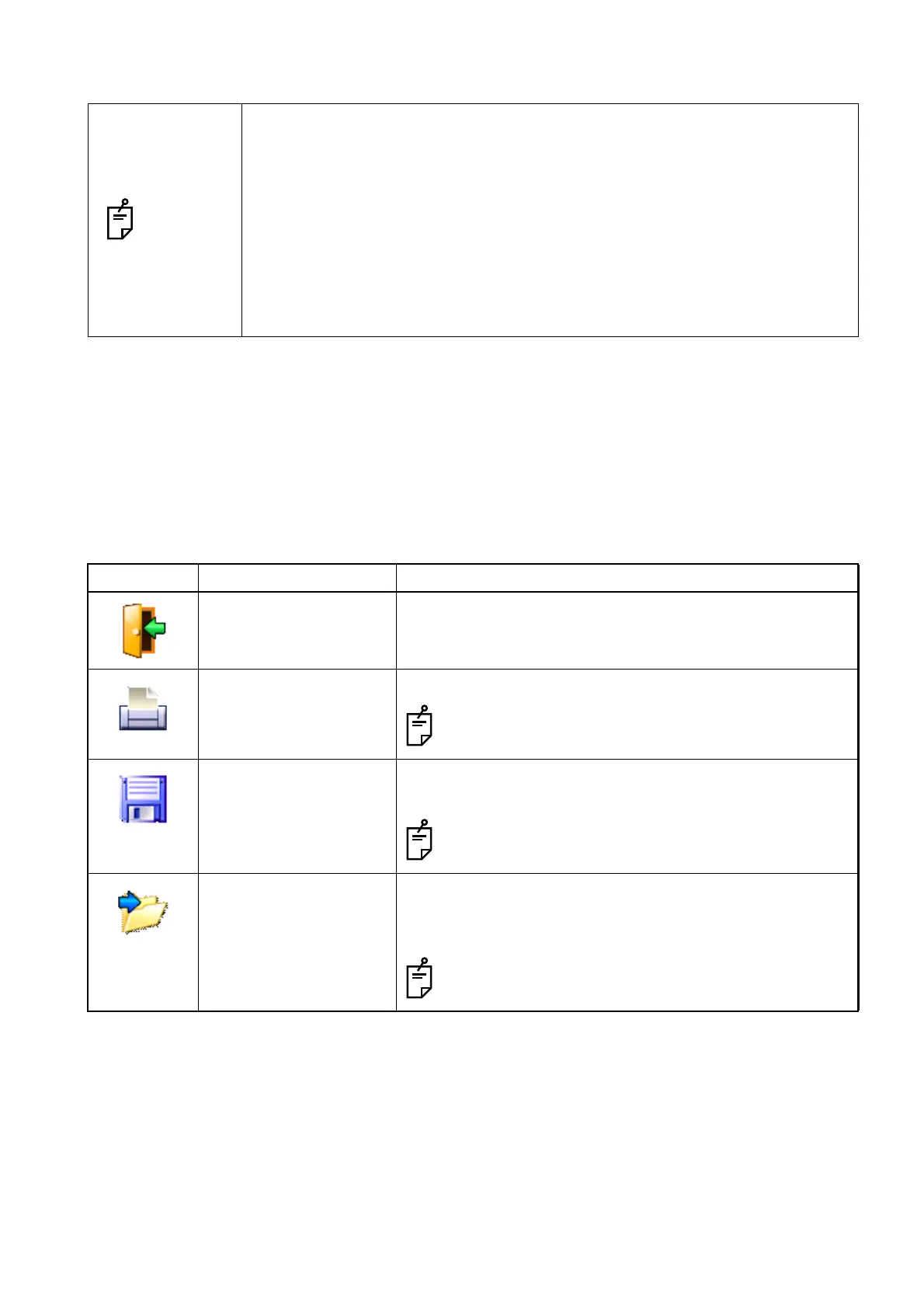
Icon Function Description
Close active session Discards all the captured images (or movies) and closes
the session.
Print Prints the selected image (or movie).
The image (or movie) for which deletion is reserved
cannot be printed.
Save Saves the image (or movie) for which saving is reserved or
the image (or movie) for which deletion is not reserved.
The image (or movie) for which deletion is reserved is
deleted.
Export Exports the selected image (or movie).
Specify the export destination by [Manual export directory]
of "DC-4 Setting page".
The image (or movie) for which deletion is reserved
cannot be exported.












 To Next Page