22
OPERATION OF Ez Capture for DC-4
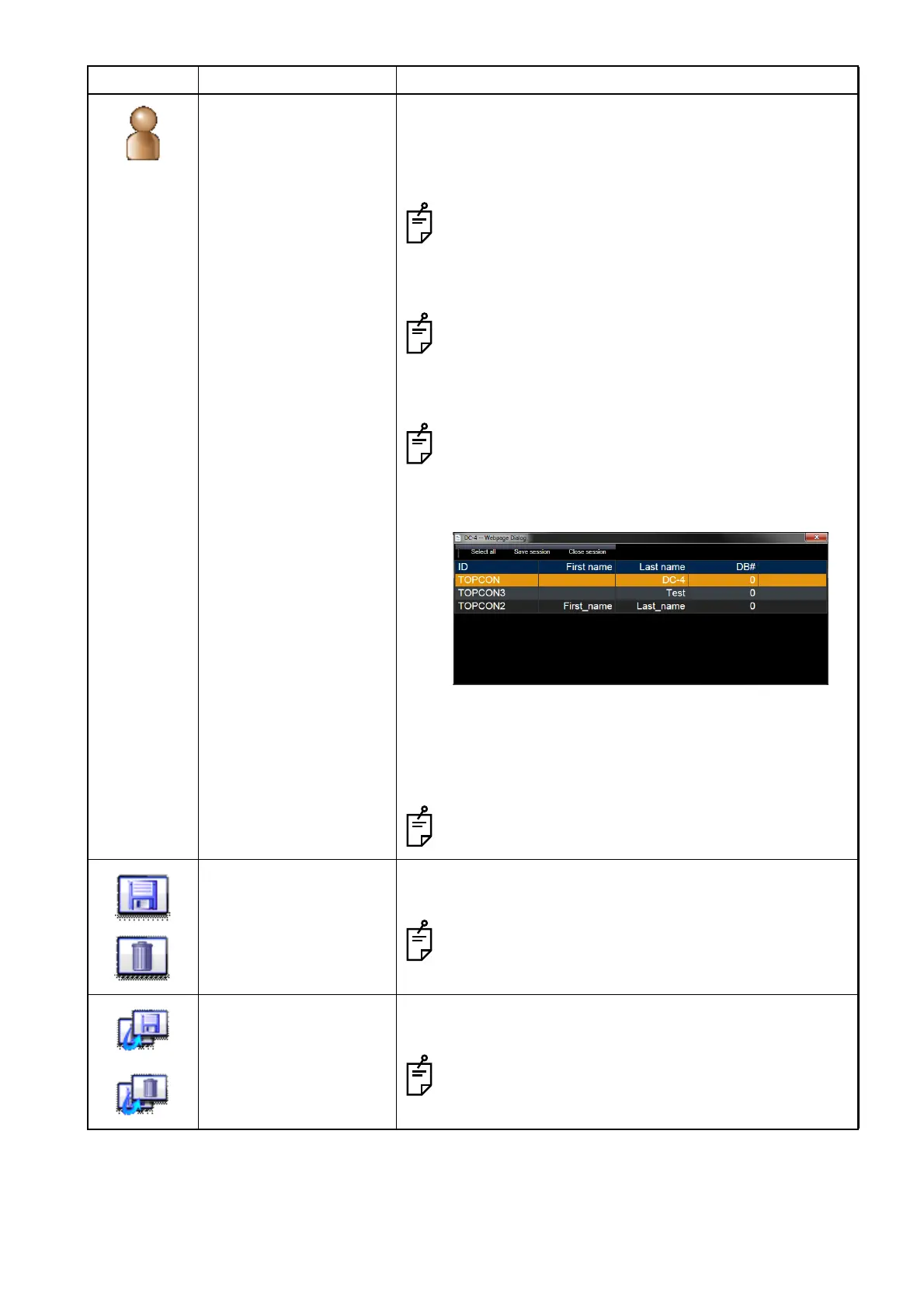
Session list The session list (patients list) dialog box is displayed. You
can check the entered patients information. The patient to
be photographed can be changed by double-clicking a
patient in the list.
To enter two or more patients, validate [Enter ID
before opening capture window] in "Setup Ez Cap-
ture" and invalidate [Disable multi session] on "DC-4
Setting page".
When [Disable multi session] is valid on "DC-4 Set-
ting page", the patient selection icon is not displayed.
To change the patient, exit from the photography win-
dow.
When you want to photograph two or more patients,
change the patient to another after the photographed
image is displayed. The image is not saved for the
relevant patient from time to time.
Select all: Selects all sessions.
Save session: Saves the images (or movies) reserved for
saving in the selected session.
Close session: Closes the selected session.
"DB#" is not used in Ez Capture.
Save/Delete reserve Changes the saving or deleting reservation of the selected
image (or movie).
The displayed icons are changed according to the
setting of [Select delete file] of "DC-4 Setting page".
Reversal reserve Reverses the saving or deleting reservation of all the cap-
tured images (or movies).
The displayed icons are changed according to the
setting of [Select delete file] of "DC-4 Setting page".
Icon Function Description












 To Next Page