23
OPERATION OF Ez Capture for DC-4
Display function
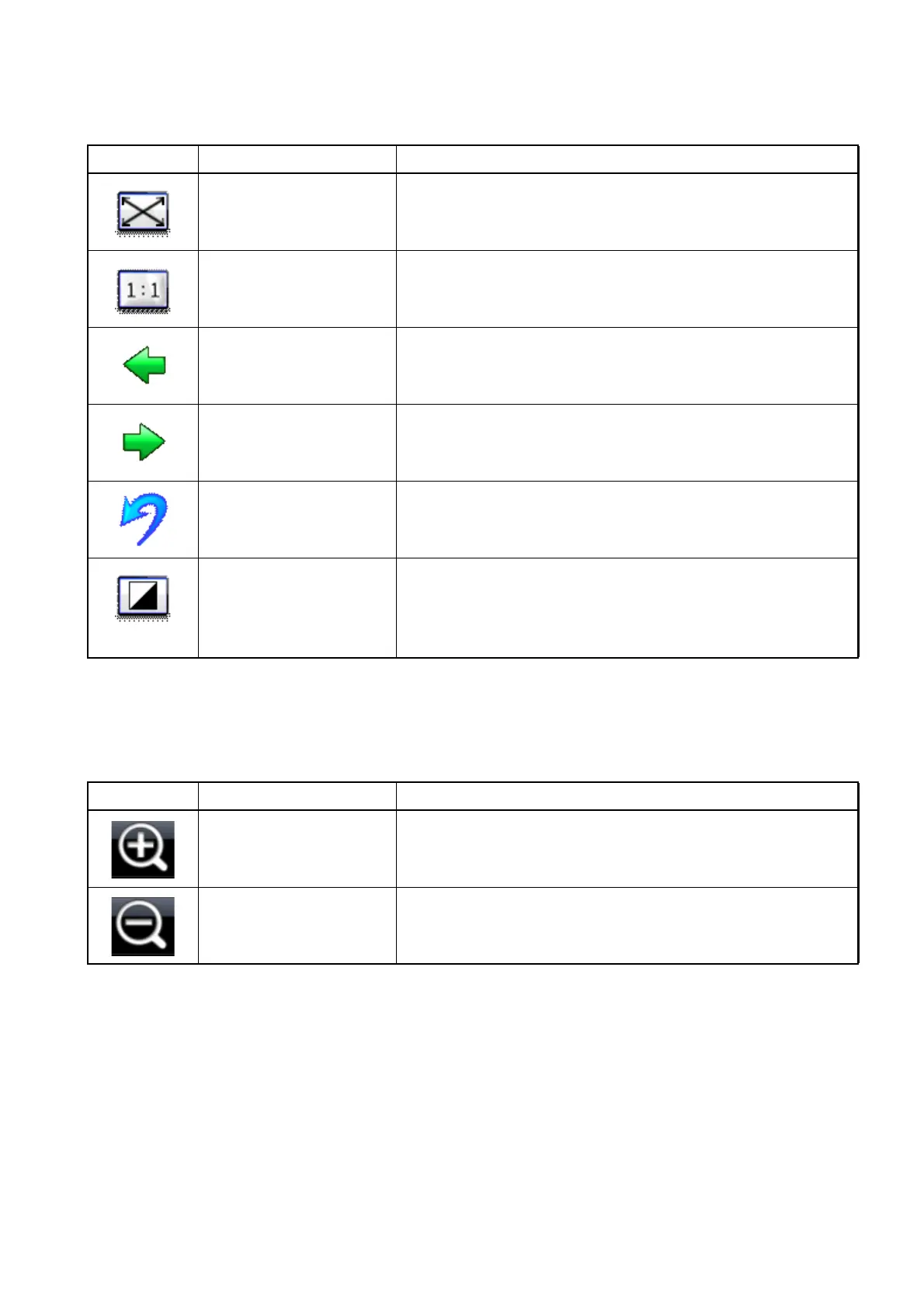
The following table shows the icons for operating the display function and gives details of each func-
tion.
Scaling up/down function:
The following table shows the icons for scaling up/down an image (or movie) and gives details of
each function.
Icon Function Description
Fit to window Maximizes the display against the photography window
size.
Original size Displays an image in its original size.
Previous Selects the preceding image (or movie).
Next Selects the next image (or movie).
Undo Returns to the preceding enhance processing stage.
Enhance Enhances the contrast of all the captured images. The
enhance processing can be performed twice or more.
Contrast is enhanced according to the execution times of
enhance. The enhanced image is not saved.
Icon Function Description
Zoom-in Enlarge the selected image (or movie).
Zoom-out Reduce the selected image (or movie).












 To Next Page