25
OPERATION OF Ez Capture for DC-4
Camera setting function:
The following table shows the icons for changing the camera's photography setting and gives details
of each function.
Captured eye selection function:
The following table shows the icons for selecting the captured eye and gives details of each func-
tion.
Captured eye reservation function:
The following table shows the function to specify the eye to be photographed next and details of the
function.
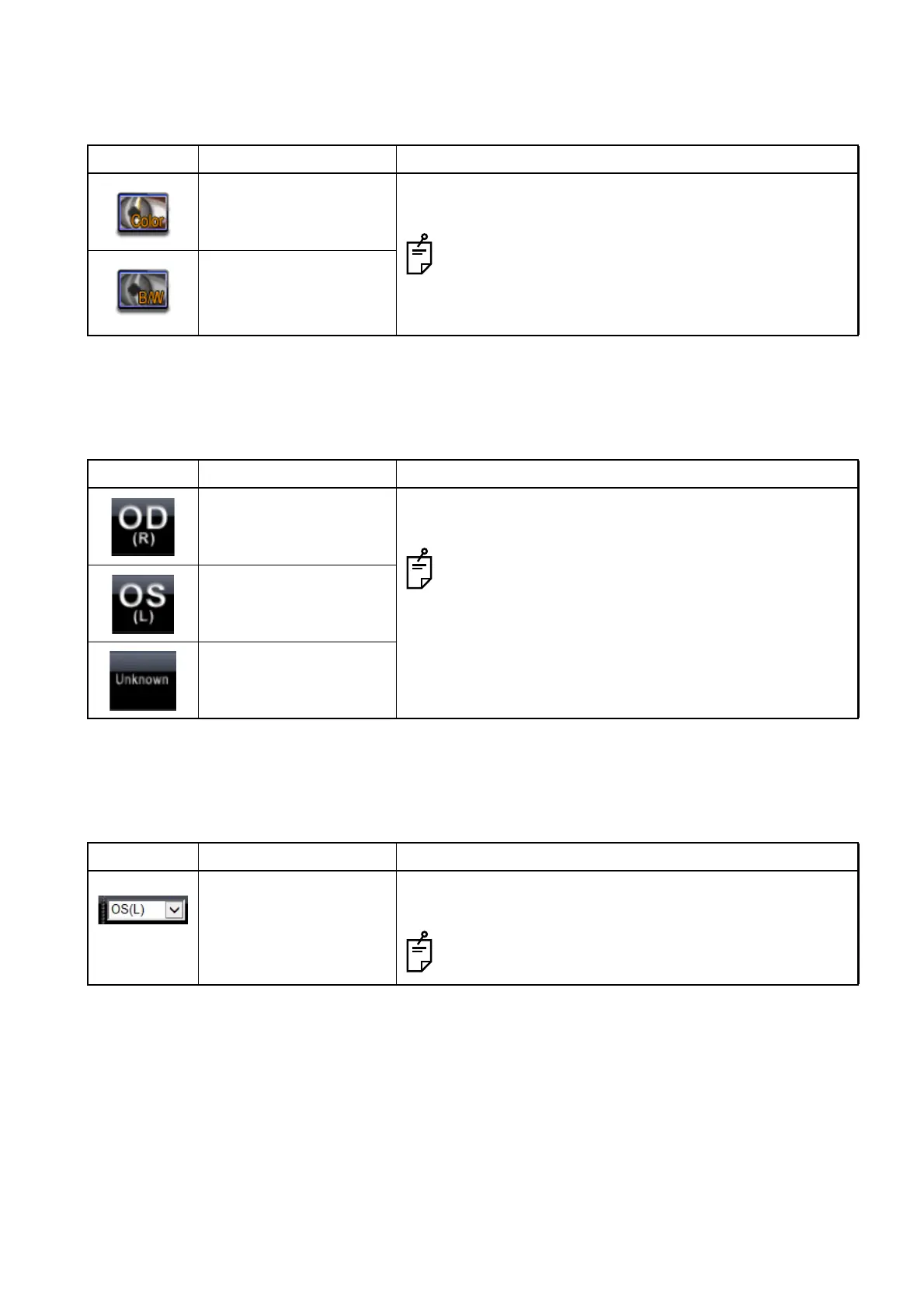
Icon Function Description
Color photography Changes the camera's photography setting.
When one of the two items is ON, the other is OFF.
Message box about the IR selector lever is displayed
when you click the icon. However, the IR selector
lever may not stick depending on the model you are
using.
B/W photography
Icon Function Description
Right eye Specifies the captured eye of the selected image (or
movie).
These icons are displayed only when [SL-2G] is set
for [Slit lamp type] of "DC-4 Setting page".
Left eye
Unknown
Icon Function Description
Captured eye reserva-
tion
Specifies the eye of the image (or movie) to be captured
next.
This icon is displayed only when [SL-2G] is set for
[Slit lamp type] of "DC-4 Setting page".












 To Next Page