35
Surveying
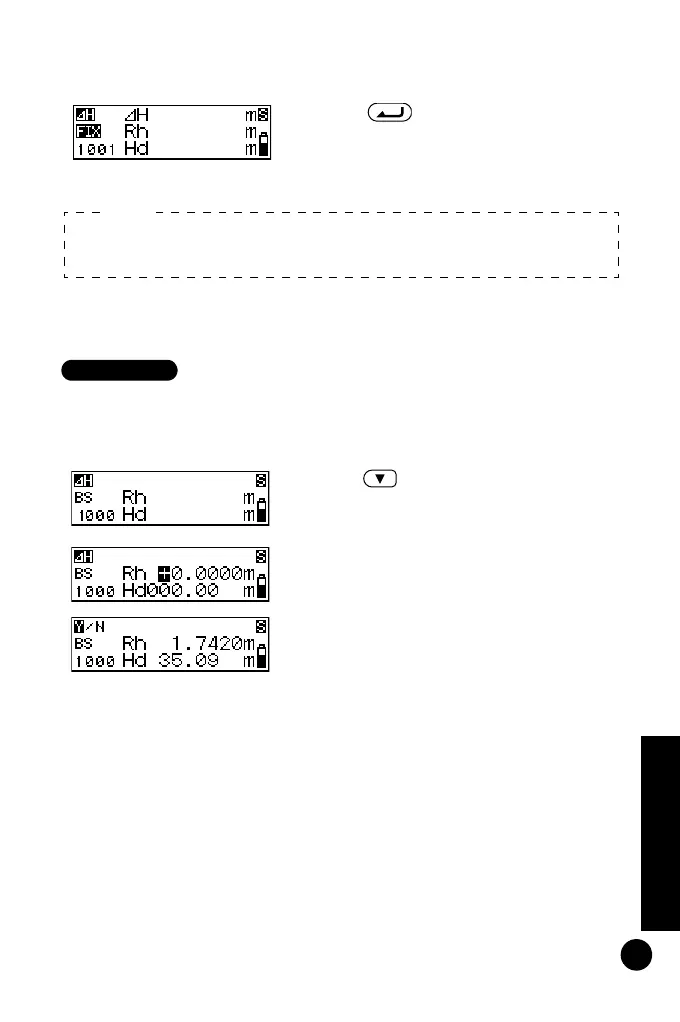
• Inputting measurement data (measure the point using the
numerical scale side of the staff)
3 Press to confirm the selected
attribute.
The point number can now be set.
(See "Setting the point number".)
1 Focus the DL-502/503 on the
numerical scale side of the staff and
measure the backsight point.
2 Press .
Measurement data can now be input
manually.
3 Input the measurement value found
in step 1.
4 Check the point number and press
"Yes" to record the selected data.
5 Measure the next point.
If the attribute is not set, a point other than the backsight point is
recorded as the foresight point.
Note:
DL502-503.book 35 ページ 2010年4月5日 月曜日 午前9時47分



 To Next Page